Mug personalization that bends round the barrel
A name on a mug only looks right if it curves with the ceramic. Customei puts the shopper's design on your mug photo with a warp grid, so the preview bends like the real print, and gives you the flat wrap file to press.
Design a mug, right here
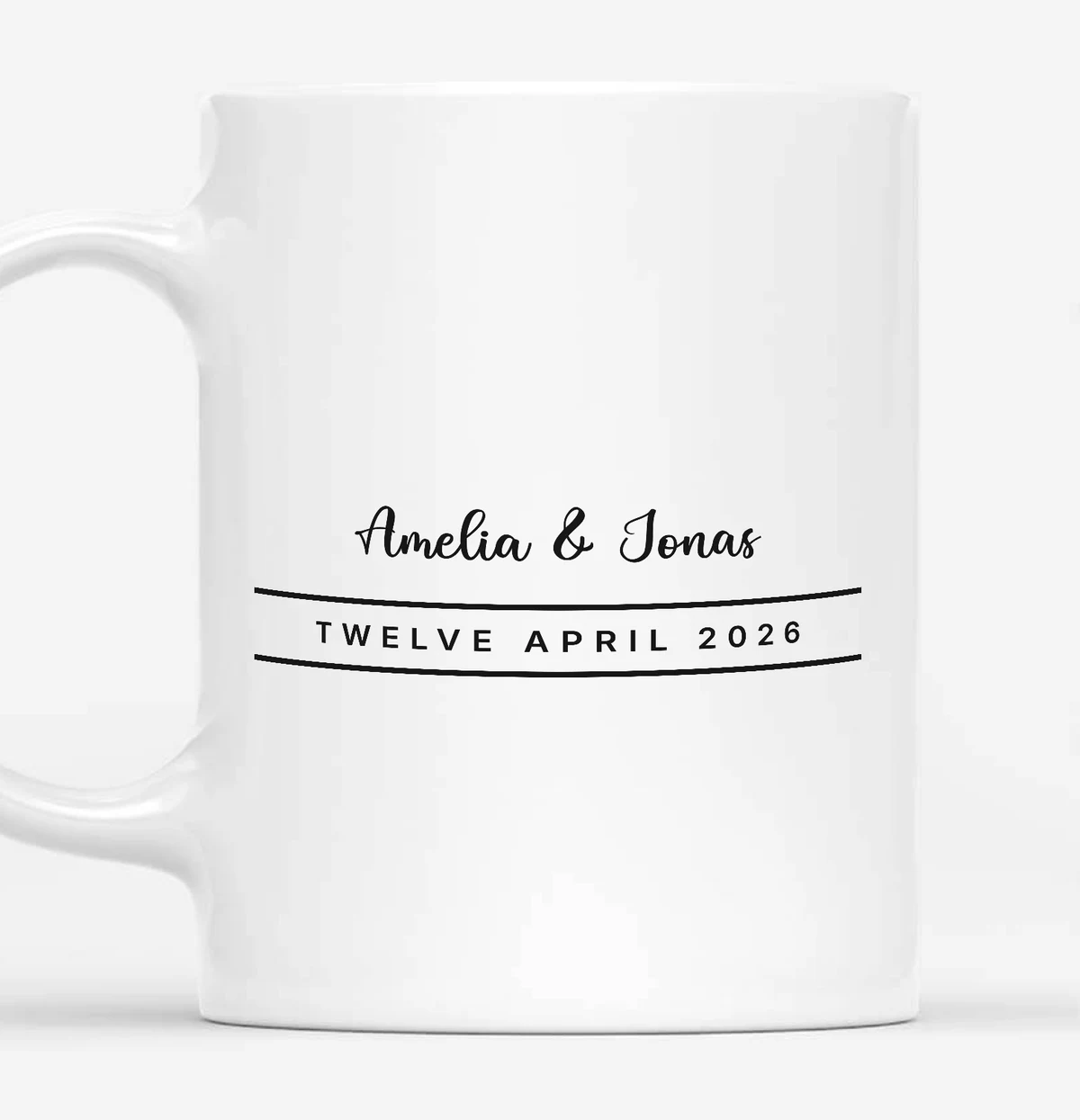
Type a name and a date and watch them bend round the mug.
A real 11oz mug photo with a warp grid shaped to the barrel. Type in the form and the print bends round the mug as it will on your product page.
Setting it up
What you would use for mugs & drinkware.
The parts of Customei that matter for this kind of product, and which plan they need.
- Mug Wrap preset
- A 2550 × 1155 px canvas to start from, or type the wrap size your blanks need.
- A warp grid on your photo
- Draw the print area on your mug photo, then pull the grid so the artwork follows the curve. Up to 8 × 8 cells. Studio plan and up.
- Both sides
- Add a second view for the other side of the mug, and draw a mask so artwork never shows over the handle in the preview.
- Printed, not pasted
- Pick up shadows lets the photo's own shading fall across the print, so it reads as ink on ceramic.
- Names that fit
- Character limits per box and per line, with a live counter. Text that will not fit its space cannot be added to the cart.
- Dates, skies and photos
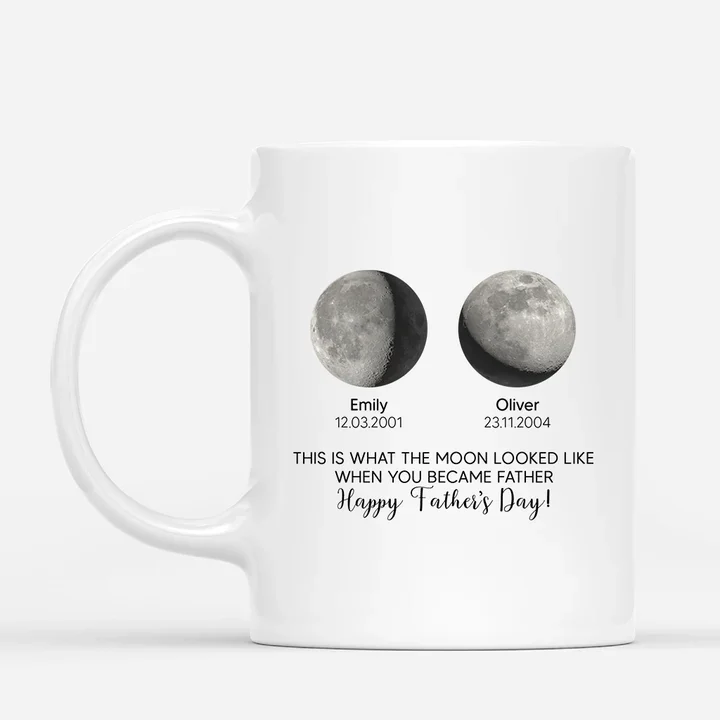
- Moon phases, star maps and calendars from a date the shopper picks (Studio plan and up), and photo uploads with crop and background removal.
On finished products
- Size
- The flat wrap, for example 2550 × 1155 px for the preset
- Files
- One wrap file, or one per side if you add a second print file
- Format
- PNG, JPG, TIFF, PDF, EPS, AI or DXF
- Resolution
- Your choice. Up to 300 DPI on Maker, 600 on Studio and Atelier
- Colour
- RGB, or CMYK on PDF, EPS and AI
- Handle area
- Masked in the preview only. Leave it empty in the design if your press needs a gap
No bleed or seam overlap is added to the wrap. Build it into the design if your press needs it.
Not done for you
- There is no built-in mug shape. You shape the warp grid once for each mug photo.
- No gloss or glaze effect. The realism comes from your photo's own shading.
- No bleed or seam overlap is added to the wrap file.
Mugs & drinkware questions
What happens if a name is too long?
Can one design cover both sides?
Keep reading
Get started
Add mugs & drinkware
personalization today.
Every new account starts with a 14-day free trial with Studio features. Nothing is charged until you pick a plan.