Preview
Every angle, one design
Add as many preview frames as the product needs. Each shows the same live design on a different photo, and the product gallery follows along.

Try it, right here
The real runtime, in this page.
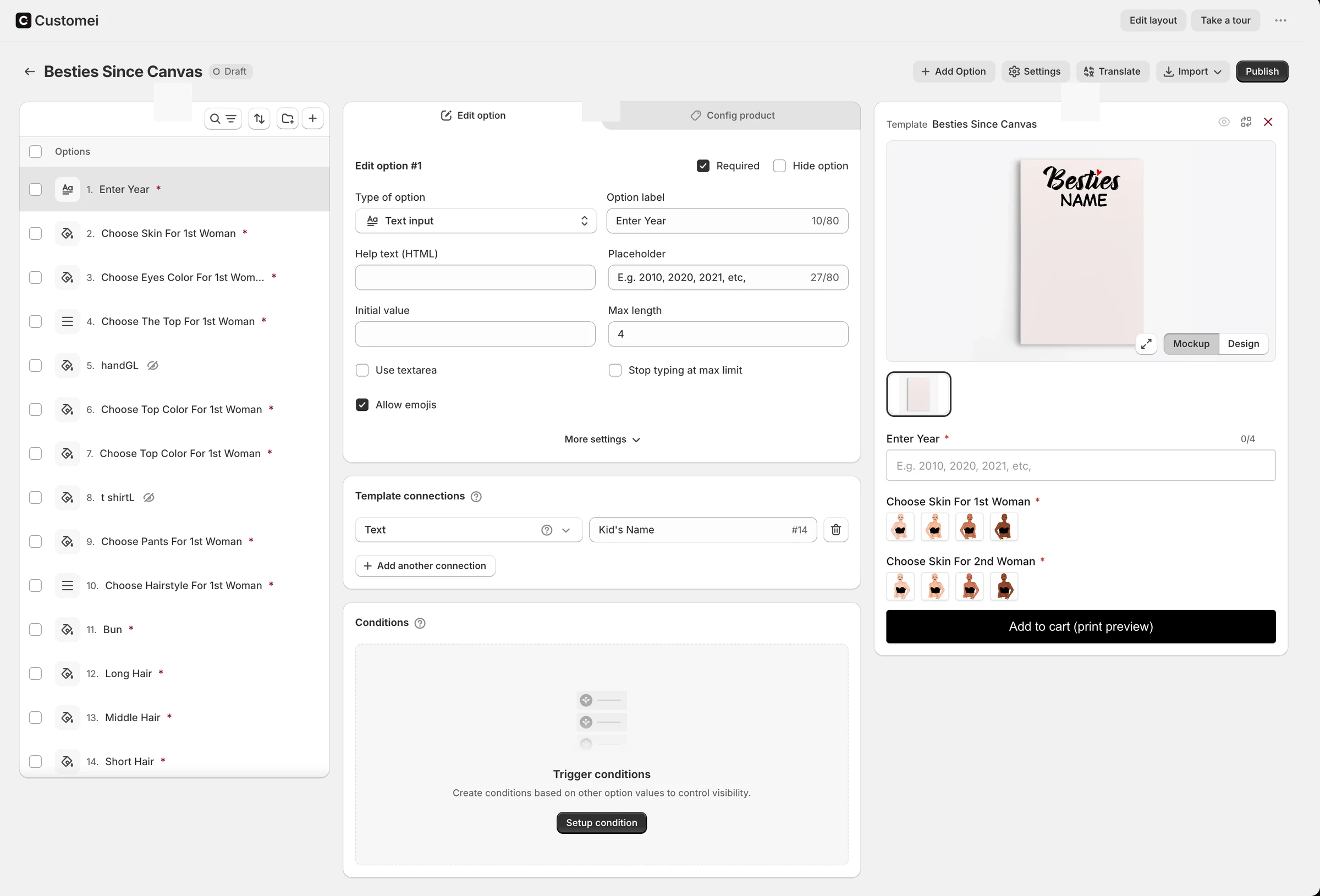
The same bundle a storefront loads. Type, pick, and watch the product redraw.
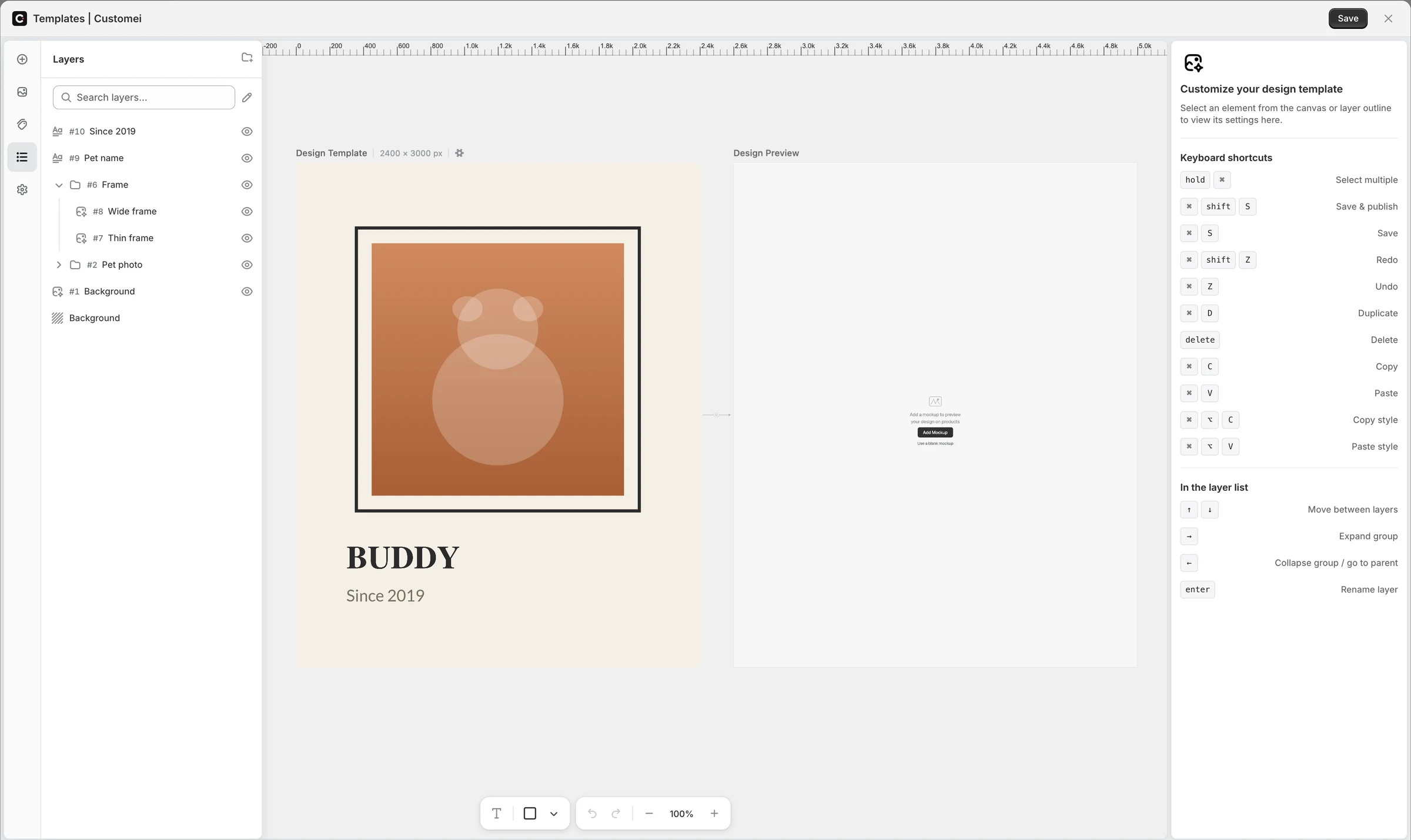
Both panes subscribe to one engine, so a keystroke lands on the print sheet and on the product photo in the same frame. A template carries as many views as the product has surfaces.
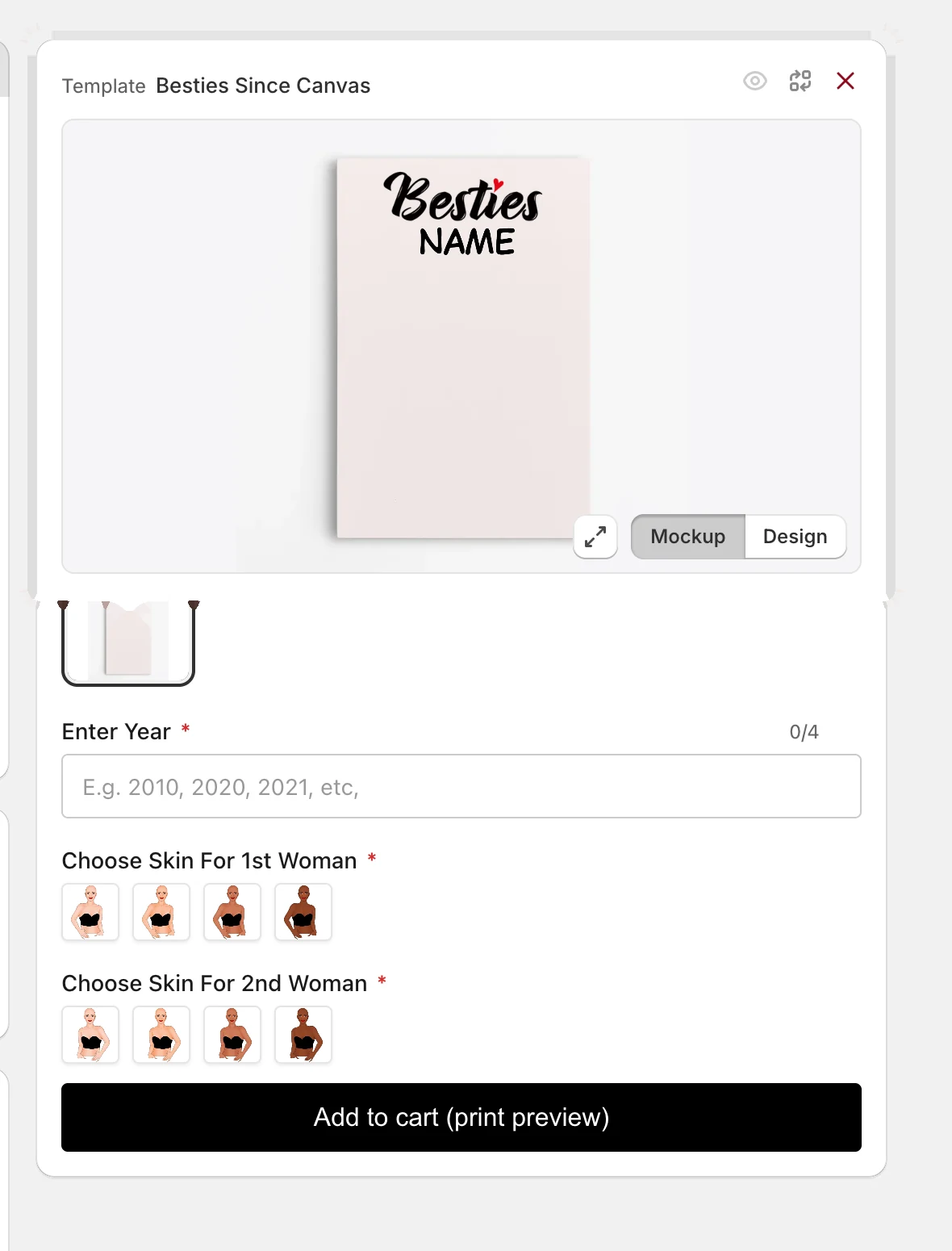
Frames, not copies
A frame is another photo of the same product carrying the same design. Arrange it per frame, add preview-only touches, and never duplicate the template.
- Unlimited frames on Studio and Atelier
- Mockup or flat Design view
- Preview-only additions per frame
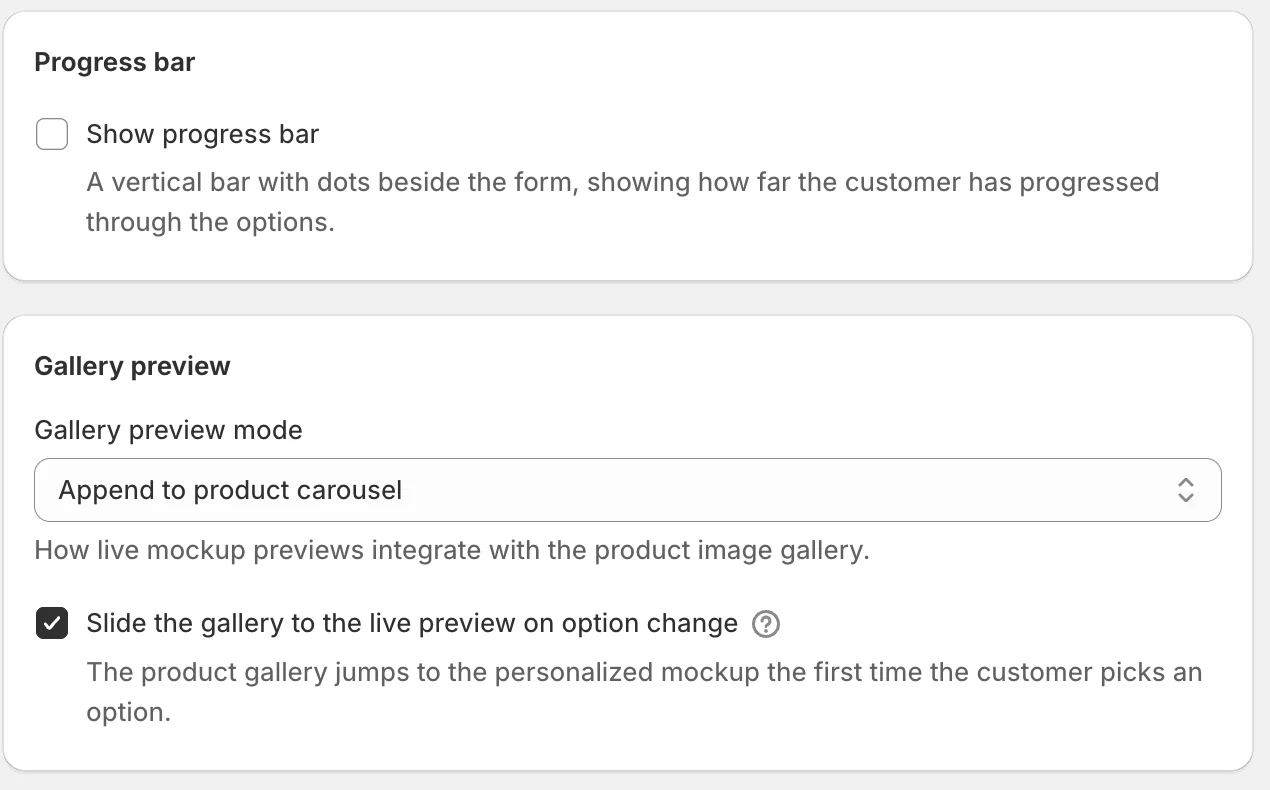
The gallery follows the shopper
Frames join the product's own image carousel, or replace it, and the gallery jumps to the live preview the first time a shopper picks an option.
- Append to or replace the product gallery
- Slides to the preview on an option change
- Cart page and drawer show the shopper's design
At a glance
- Frames
- As many as the product needs
- Gallery
- Append or replace
- Transitions
- Instant, slide, fade, zoom
- Cart
- Shows the shopper's preview

Ready to add customization to your Shopify store?
Made for one, treasured for life. Every order ships with something nobody else can buy.