Sell
The form that builds the product
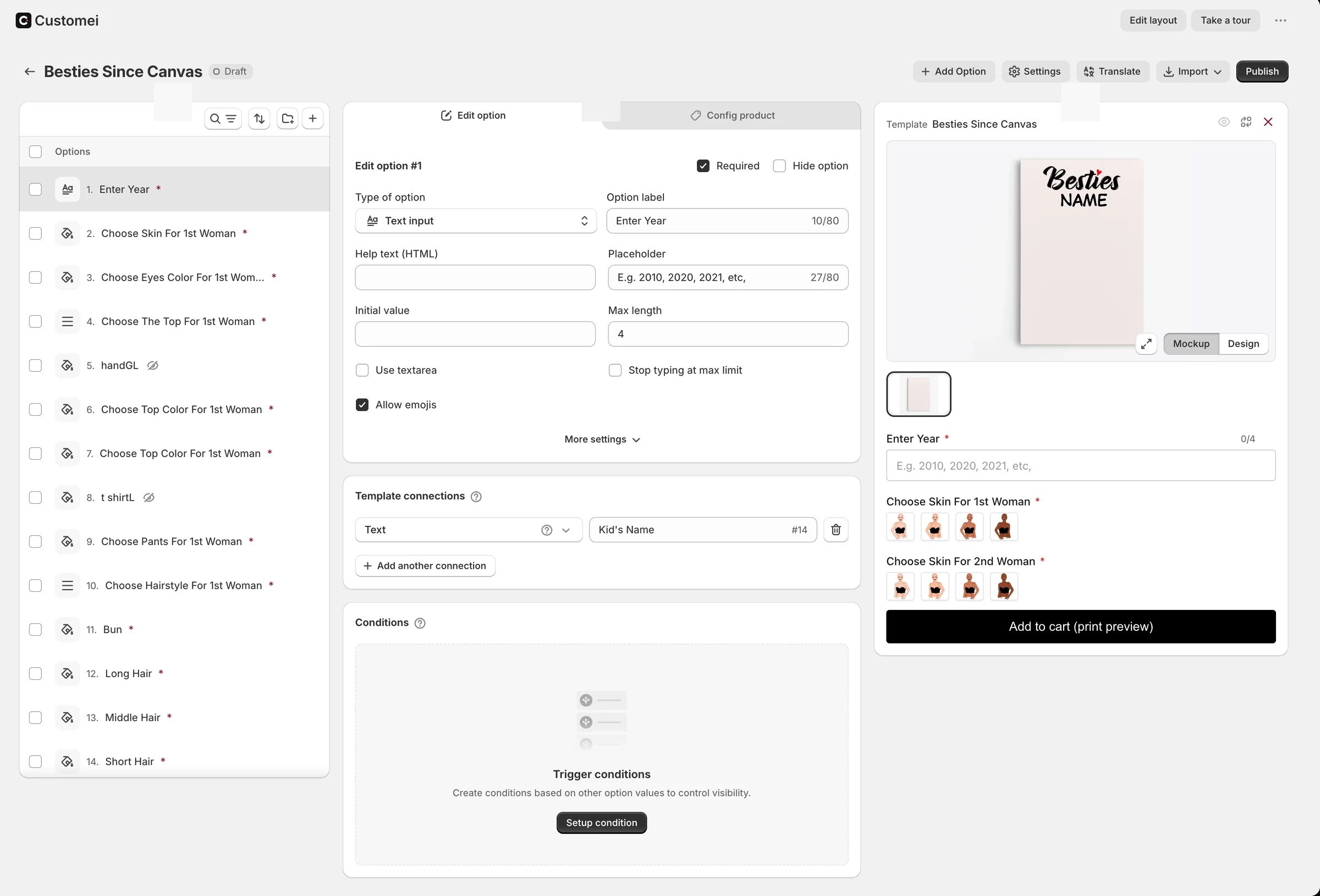
Pick from 18 field types, connect each to a layer of the design, price the values that cost more, and show or hide fields with simple rules.
Try it, right here
The real runtime, in this page.
The same bundle a storefront loads. Type, pick, and watch the product redraw.
Visibility · evaluated by the engine
- House 5houses ≥ 5
- House 4houses ≥ 4
- Sign text (2 houses)houses = 2
- House 3houses ≥ 3
- House 6houses ≥ 6
- Sign text (4–6 houses)houses ≥ 4
- Sign text (3 houses)houses = 3
A genuine merchant option set: seventeen fields, real swatch artwork, its own mug mockup. Change “Number of houses” and the runtime re-evaluates every rule. The panel below is the engine's own visibility state, not something this page hides.
18 kinds of field
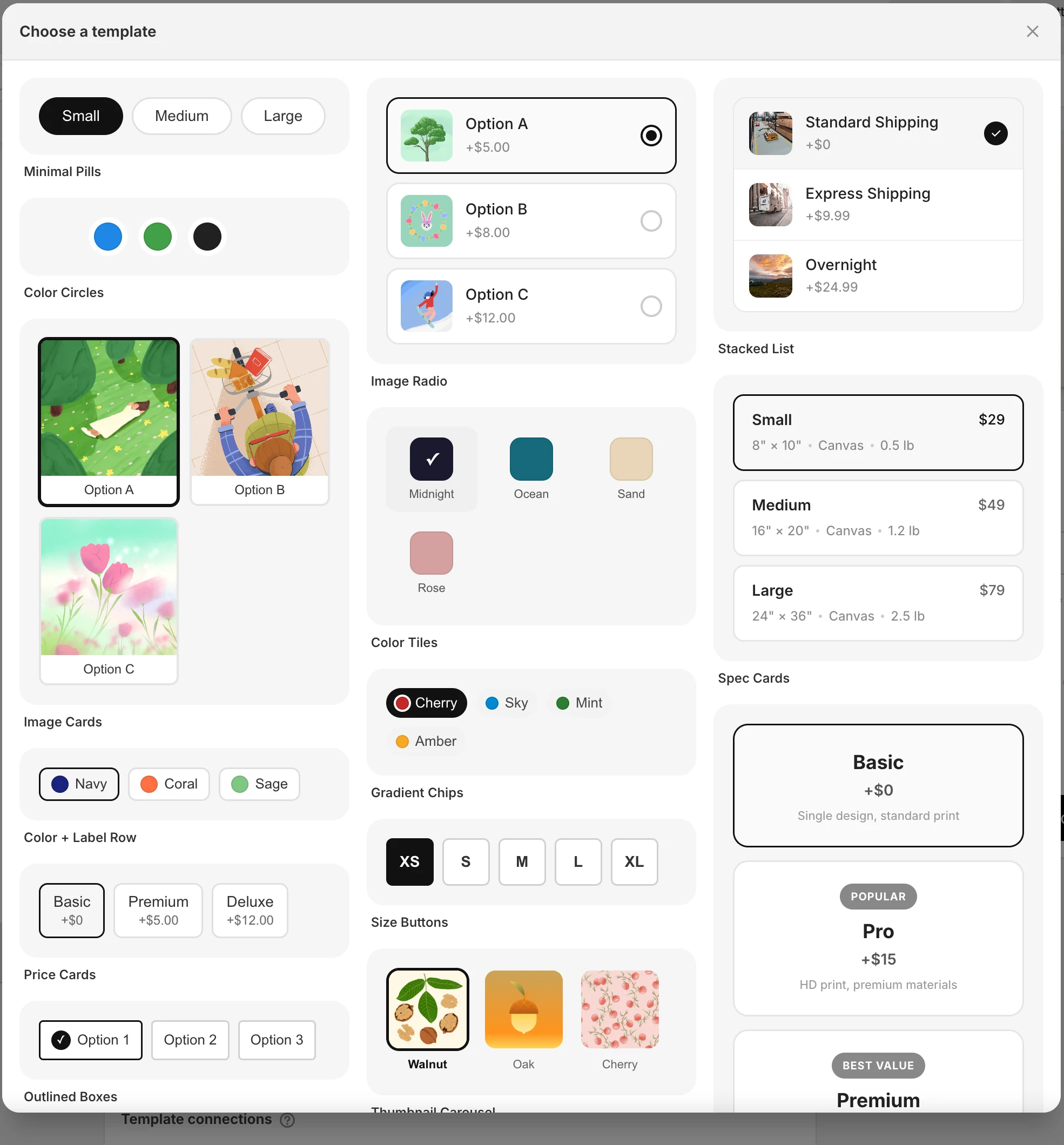
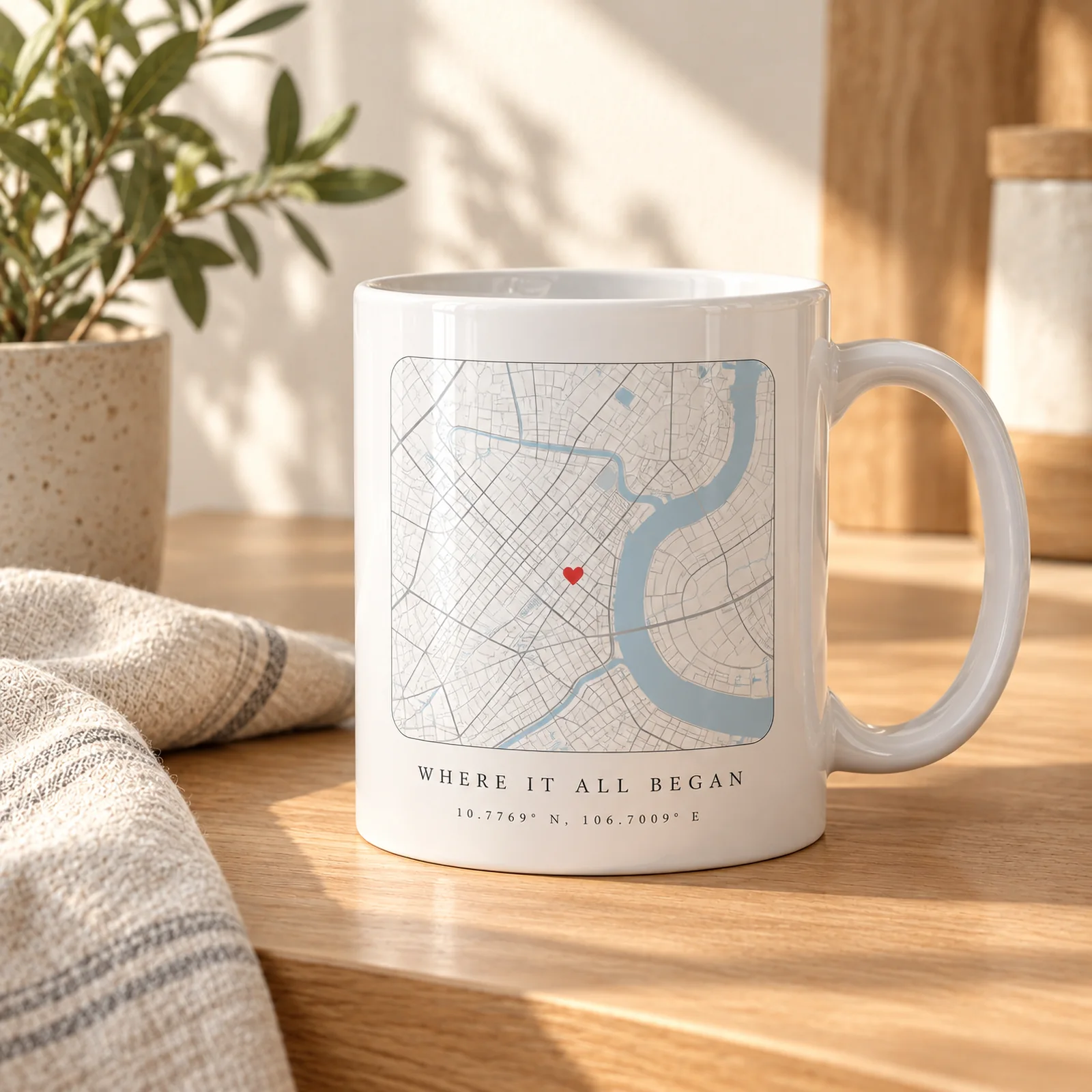
Text and uploads, dropdowns and radios, swatches in 17 ready layouts or your own HTML and CSS, a date picker, a map, a countdown, popups and groups.
- Image upload with crop, face detection and background removal
- Custom swatches: pills, tiles, price cards, size buttons
- Groups as collapsible, flat or tabs
Every field drives the design
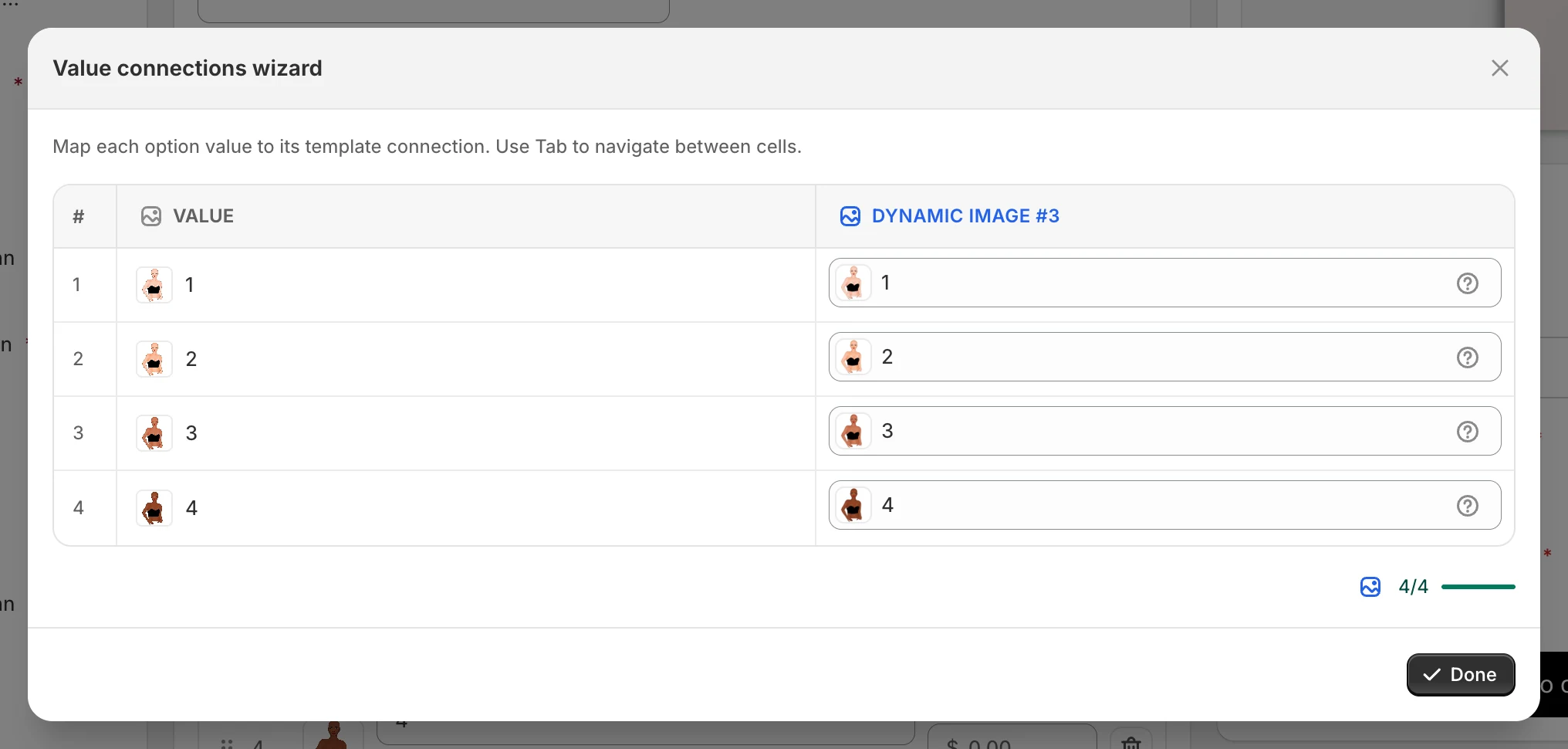
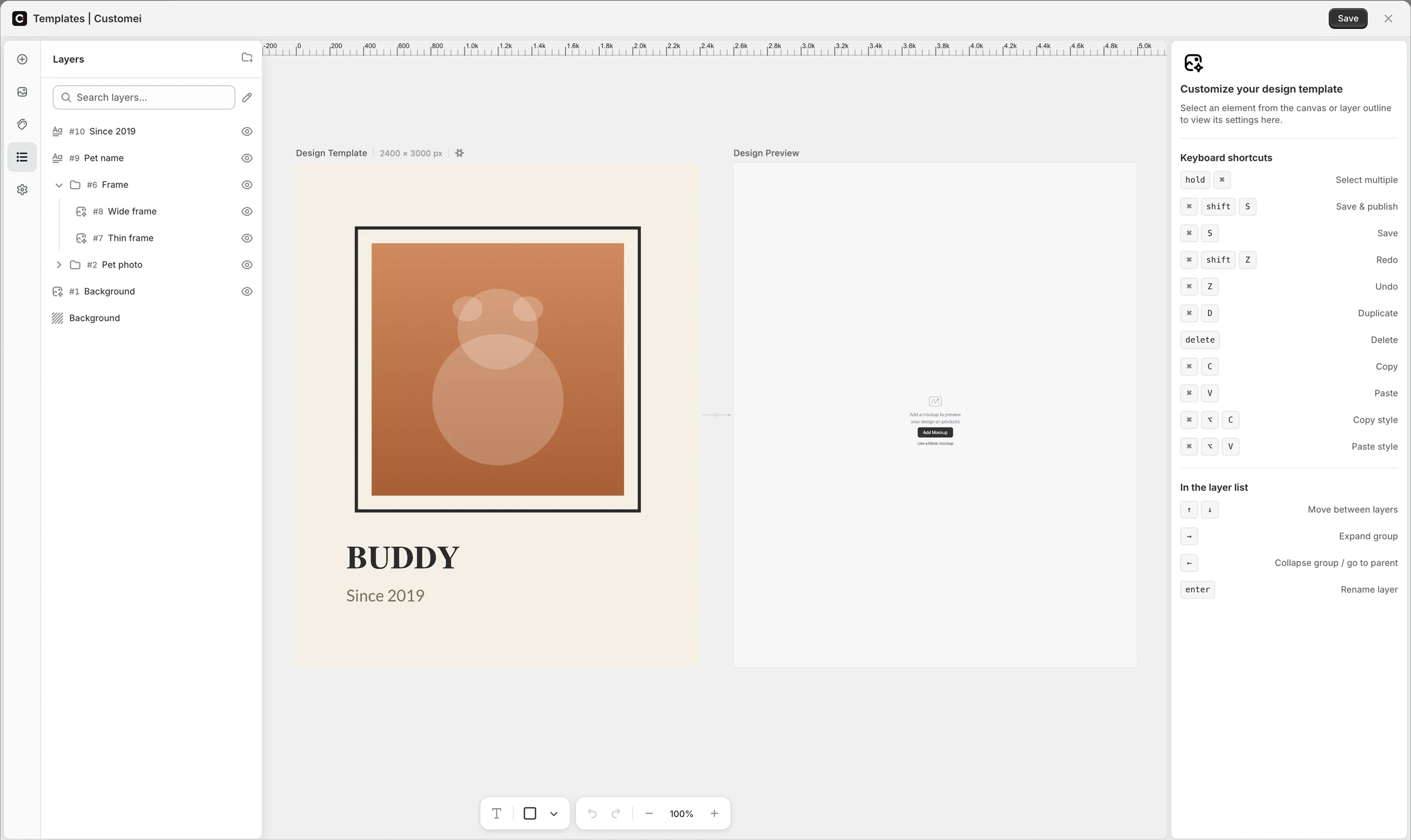
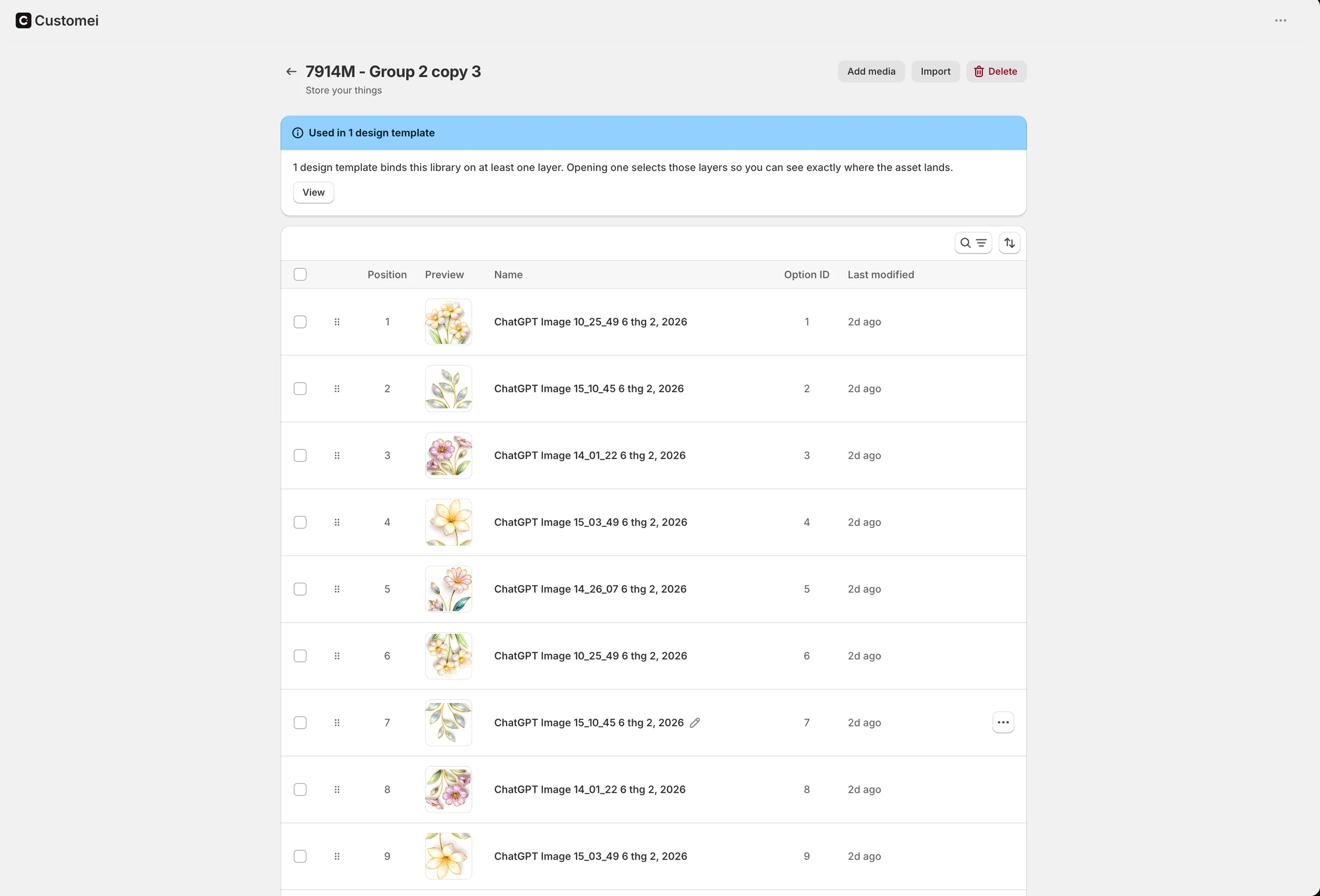
Connect a field to what it changes: a text layer, a font, a colour, an image from a library, a star map's date. Build a set straight from a template and it stays in sync.
- Wizard and Quick add for value connections
- Switch the whole design from one field
- Sync values when the library changes
Charge for the extras
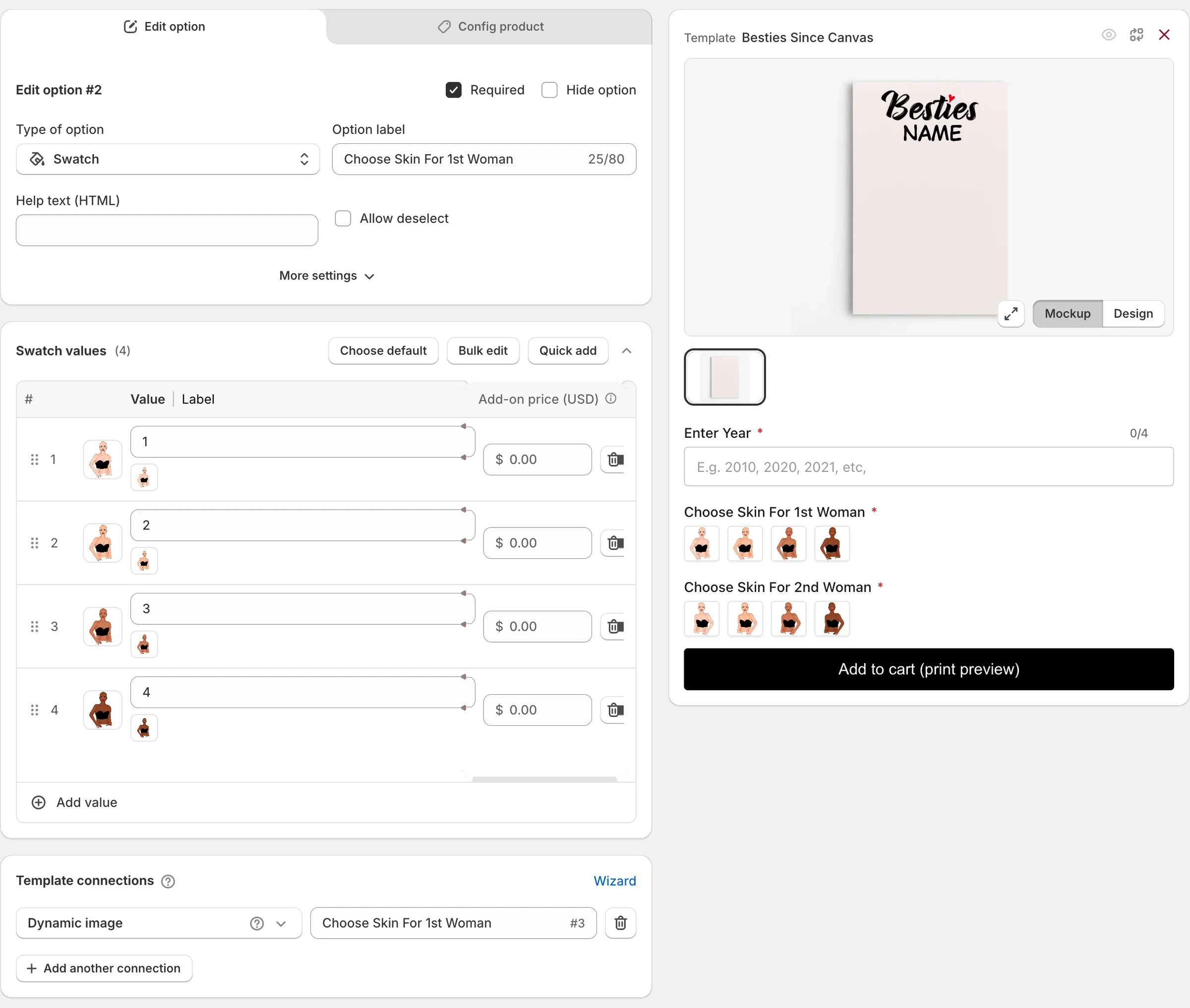
Give any value an add-on price. It is converted to your store's currency when you publish, and a priced value is never picked by default.
- Per-value add-on prices
- Bulk edit, or copy values as CSV
- Choose a default value
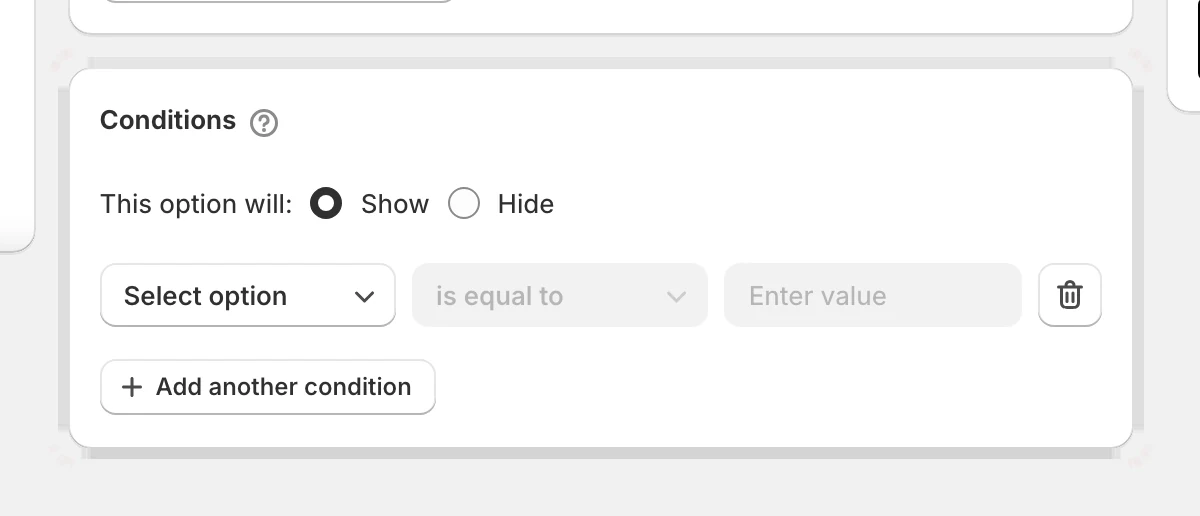
Show the right field at the right time
Show or hide a field from what the shopper picked earlier. Combine rules with AND or OR. Conditions are on every plan.
- Is equal to, has at least, has exactly
- AND / OR across several rules
- On Maker, Studio and Atelier
At a glance
- Field types
- 18
- Conditions
- Every plan
- Uploads
- Up to 20 files, 10 MB each
- Prices
- Converted to your store currency
Questions
Which field types need Studio?
Map, Countdown and Crossword style. Everything else, conditions included, is on every plan.
Can one option set serve several products?
Yes. Assign it to as many products as you like from the product picker, with per-variant layer overrides where a variant needs its own artwork.
Ready to add customization to your Shopify store?
Made for one, treasured for life. Every order ships with something nobody else can buy.