Design
One library, every template
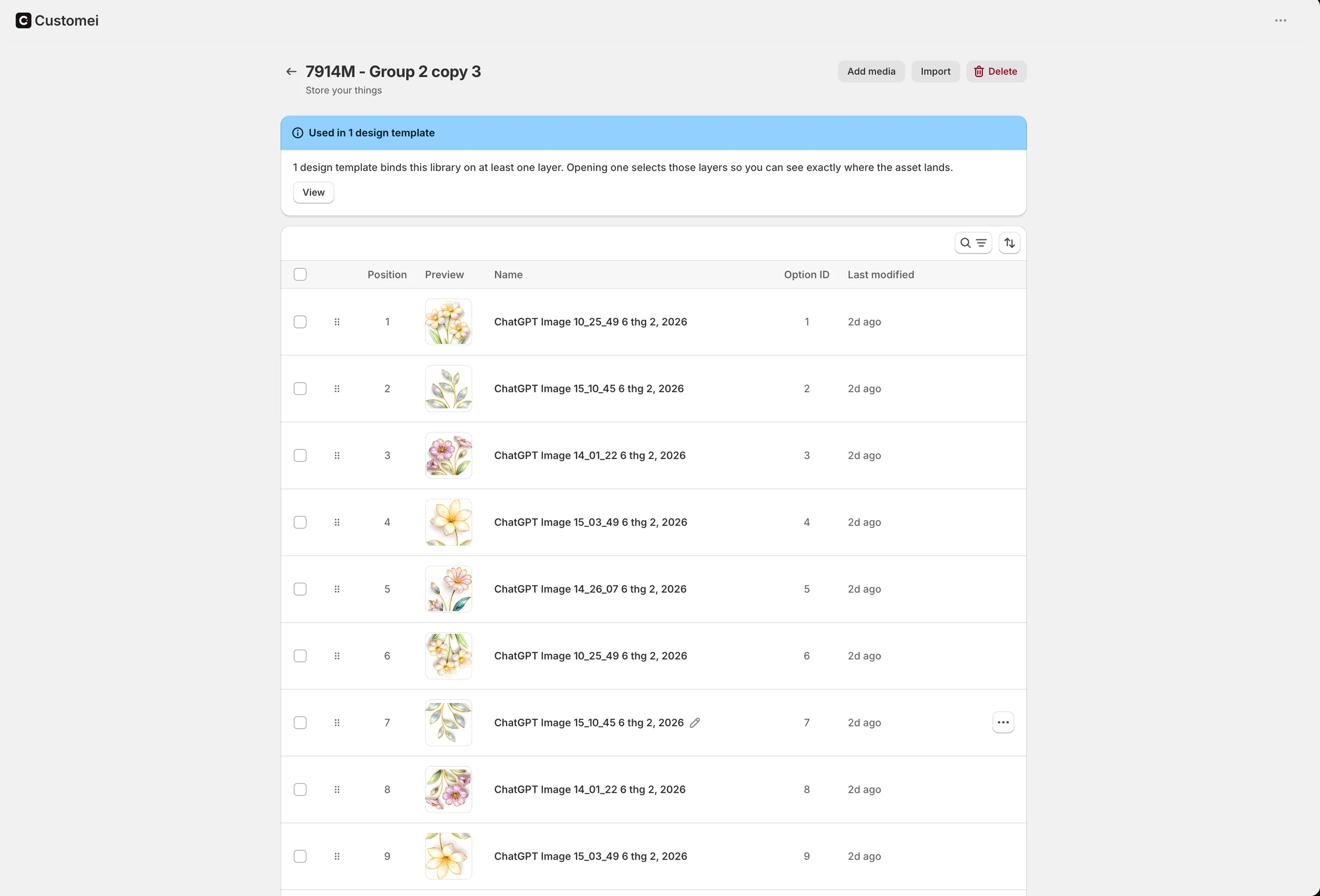
Keep clipart, fonts, colour palettes, vectors and mockups in shared libraries. Change one, and every template and option set that uses it follows.
Coming soonTry the live demo
01
Five kinds of library
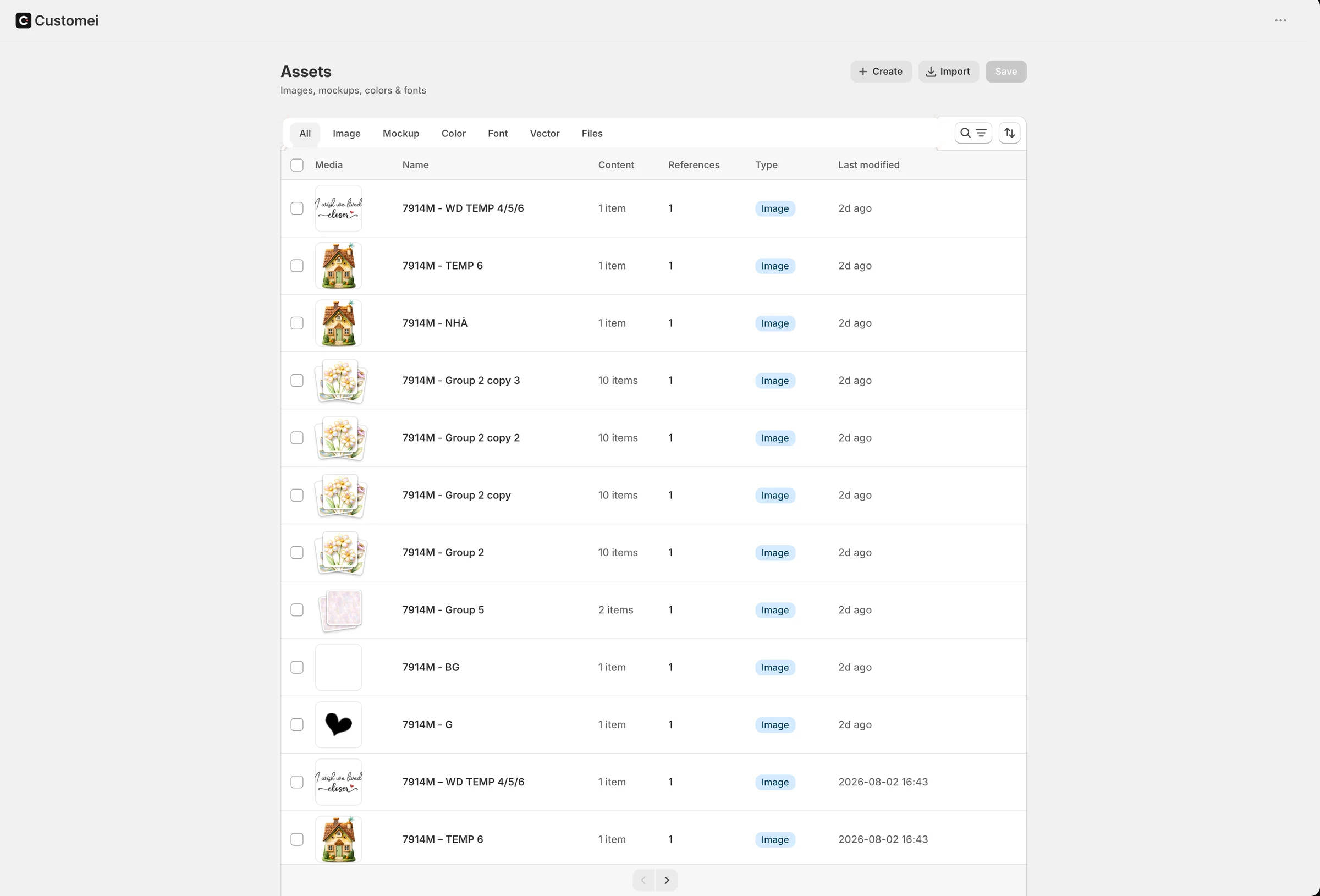
Images, mockups, colours in RGB or CMYK, fonts and vectors each get their own library, and a library holds items or categories of them.
- Image: GIF, JPG, PNG
- Font: WOFF, WOFF2, TTF, OTF
- Vector: SVG, PDF, EPS, AI
02
Libraries feed the shopper's choices
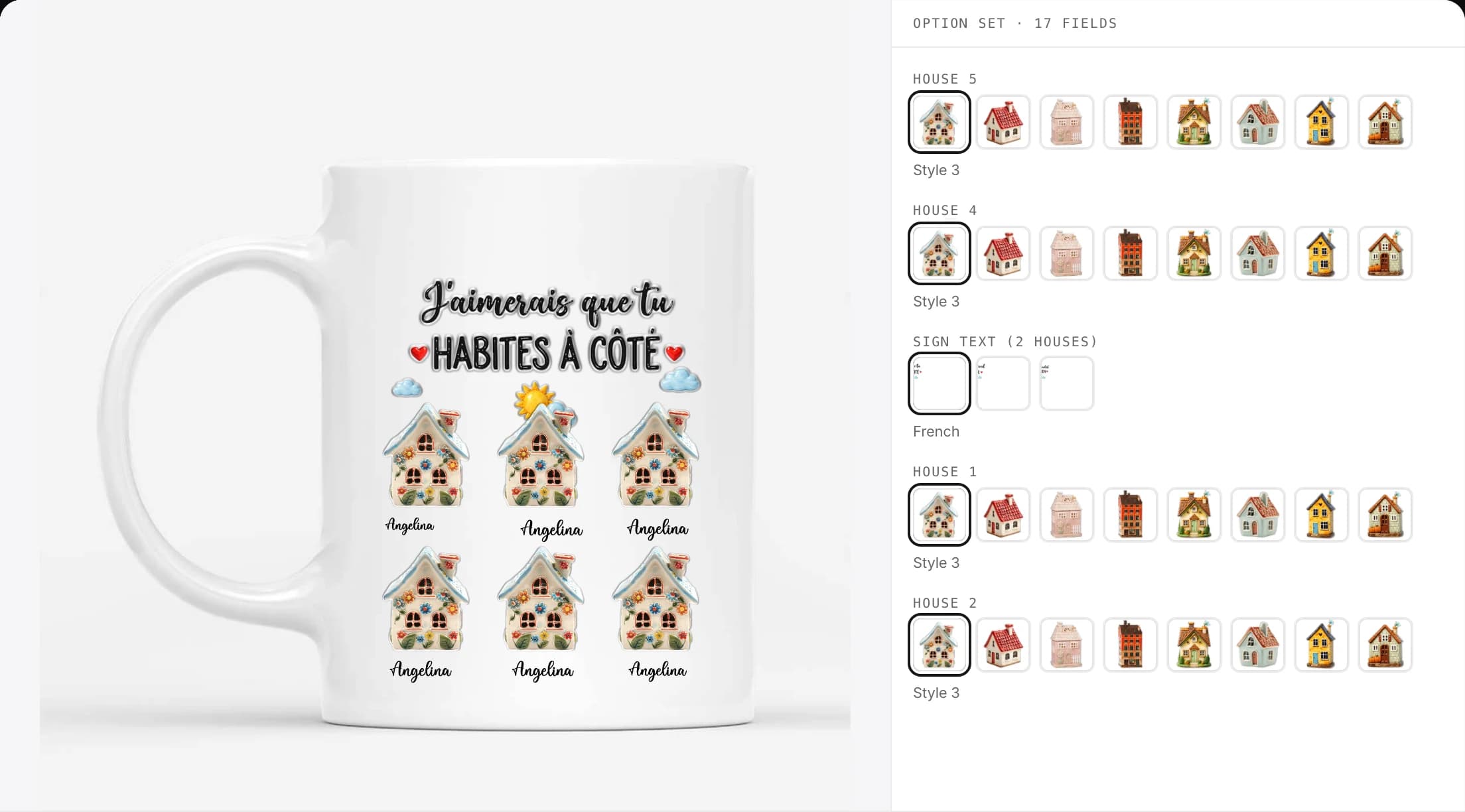
A dynamic image layer reads from a library, and an option set offers its items as swatches. Every library shows where it is used.
- Used in N design templates
- Auto-syncs to N option sets
- Duplicate a library in one click
03
Bulk in, safe out
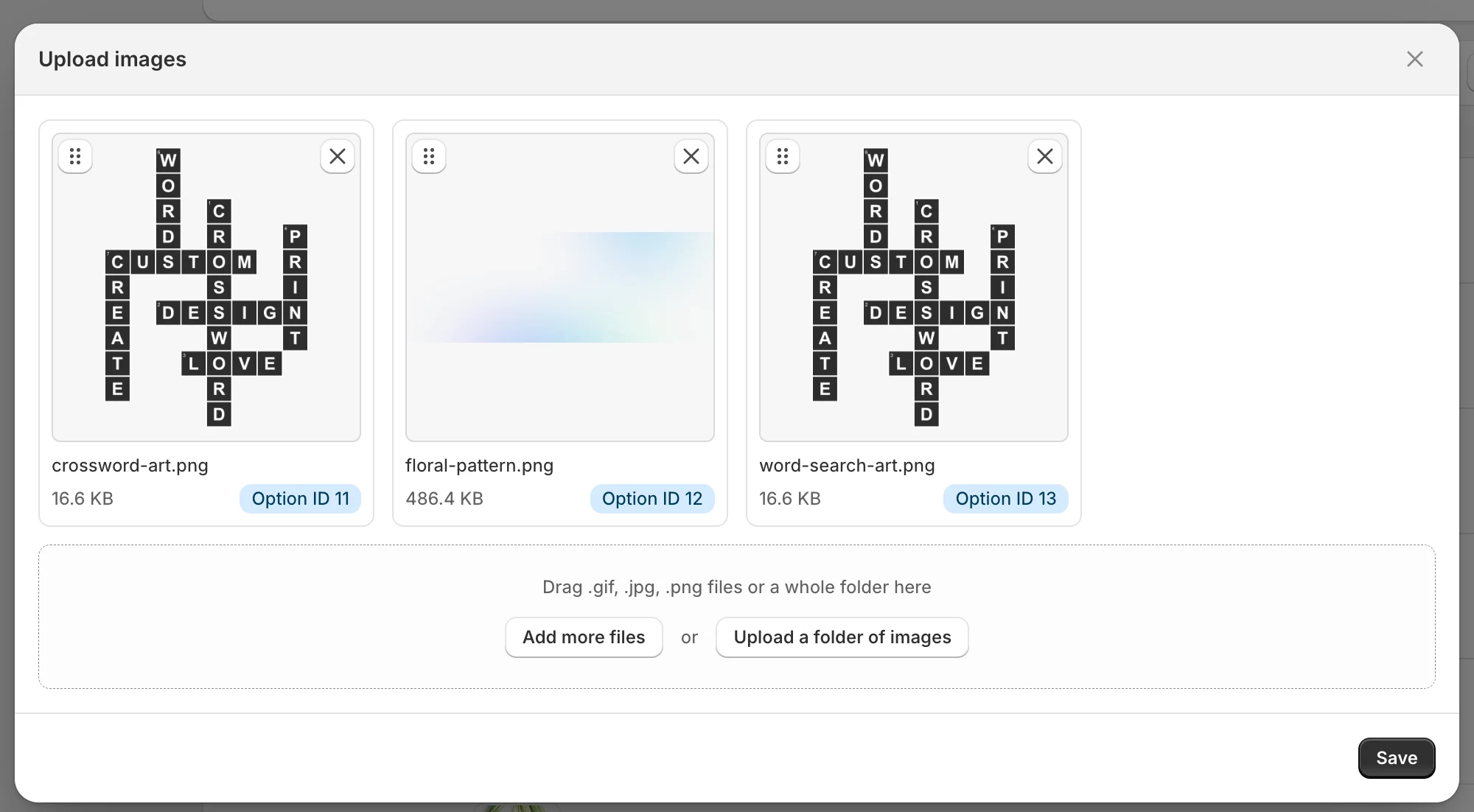
Upload up to a thousand files at once or import a ZIP. Deleted items wait 30 days in the trash, and the Files tab shows what references each file.
- 1,000 files per upload
- 30-day trash with restore
- Upscale an image with Replicate or fal.ai, on your key
At a glance
- Library types
- Image, mockup, colour, font, vector
- Bulk upload
- 1,000 files at a time
- Trash
- 30 days
- Upscaling
- Replicate or fal.ai, your key
Ready to add customization to your Shopify store?
Made for one, treasured for life. Every order ships with something nobody else can buy.
Coming soon