Preview
Previews that look printed
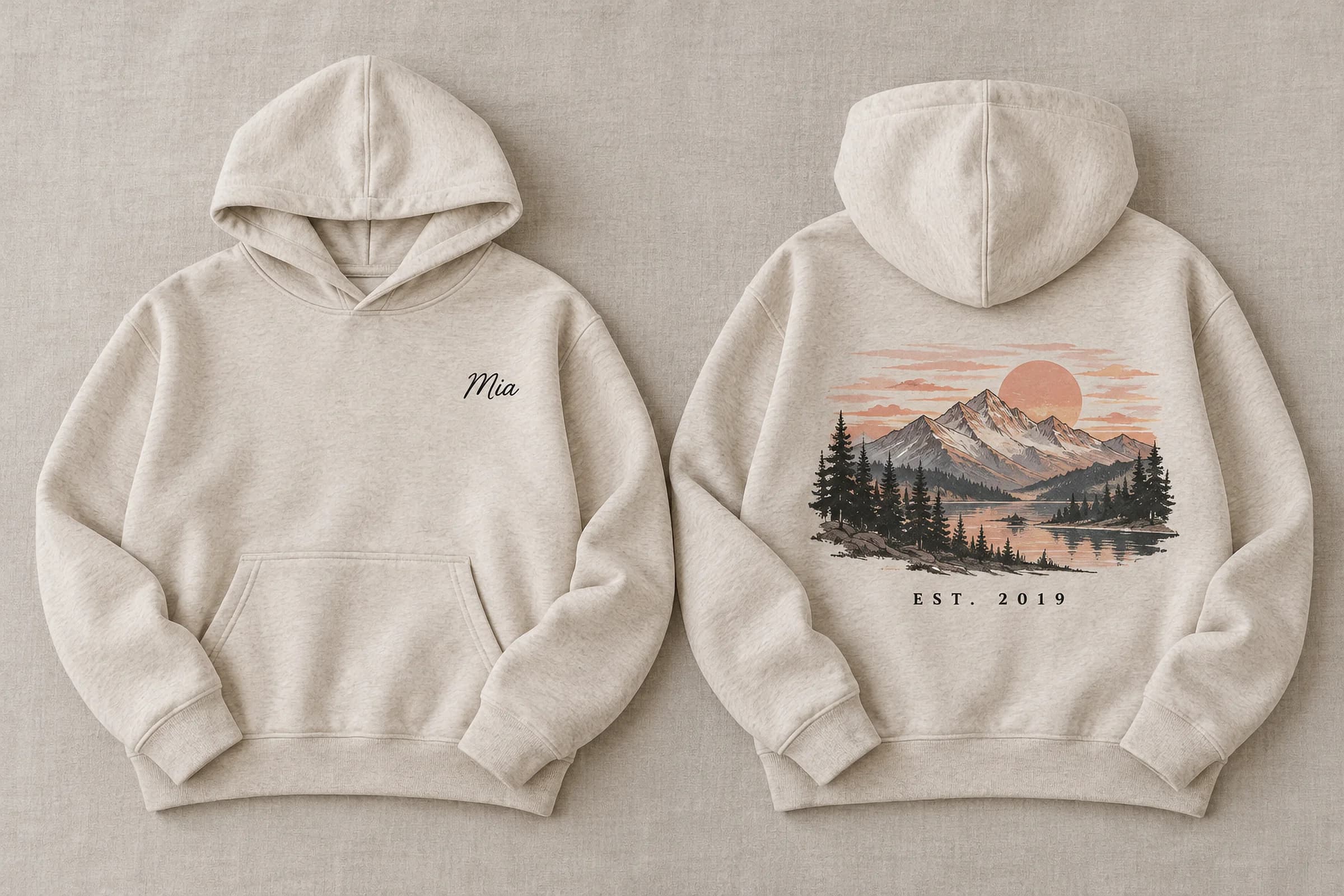
Put the design on your own product photos. A mesh bends it round a curve, a displacement map presses it into the folds, and multiply lets the shading through.
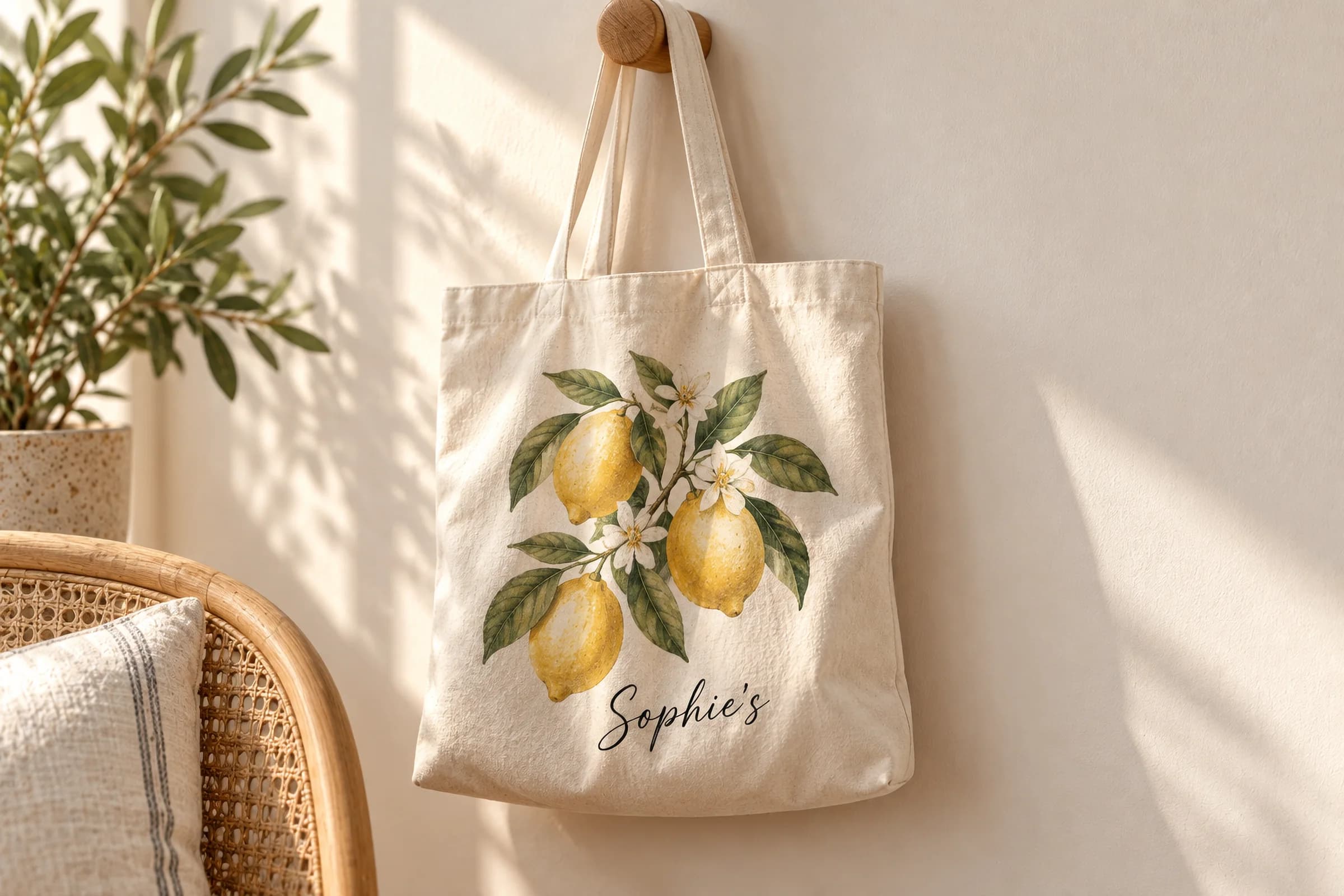
Try it, right here
The real runtime, in this page.
The same bundle a storefront loads. Type, pick, and watch the product redraw.
Mesh preset
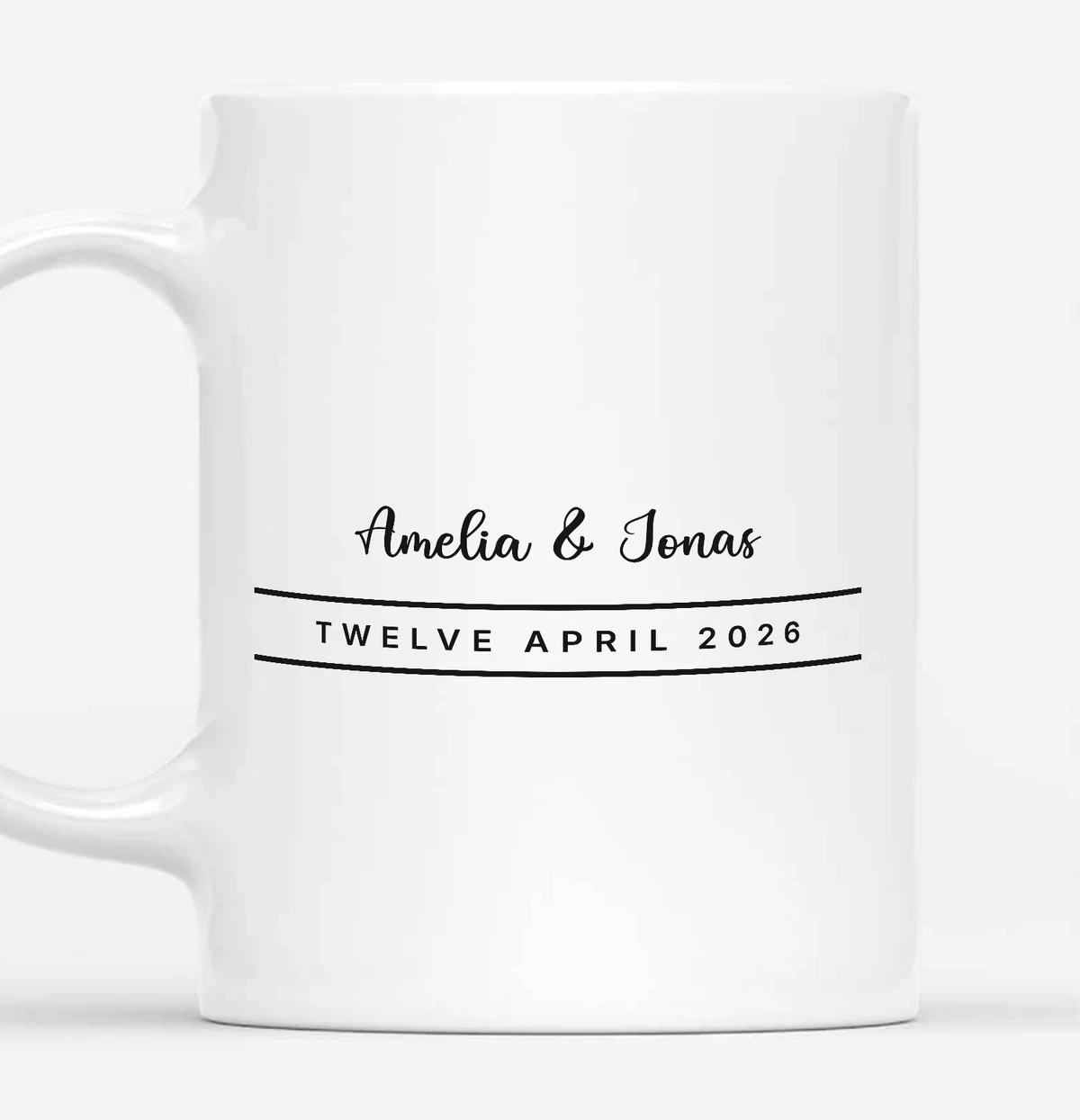
Both panes run one engine over one design: same print, same size, same place on the barrel. Only the right-hand pane has a mesh: watch the rules bow, and their ends turn away as the print goes round. Type in either field and both re-render.
A mesh for every curve
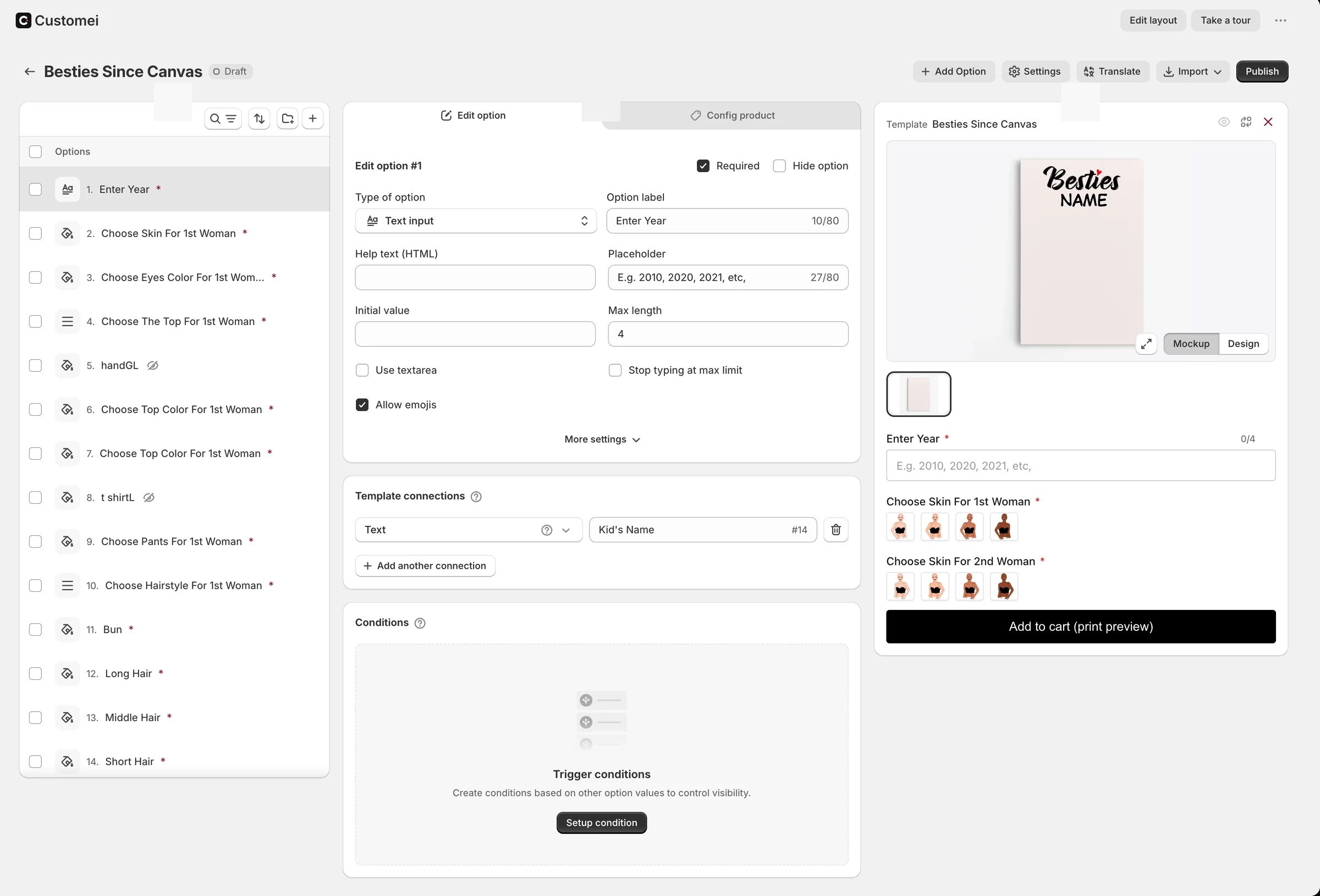
Give a mockup a grid and drag its points until the print follows the barrel of a mug or the bow of a canvas. Whatever the customer types bends the same way.
- 2 to 10 divisions in each direction
- Reset the mesh in one click
- Several design areas on one photo
Folds and shading, not a sticker
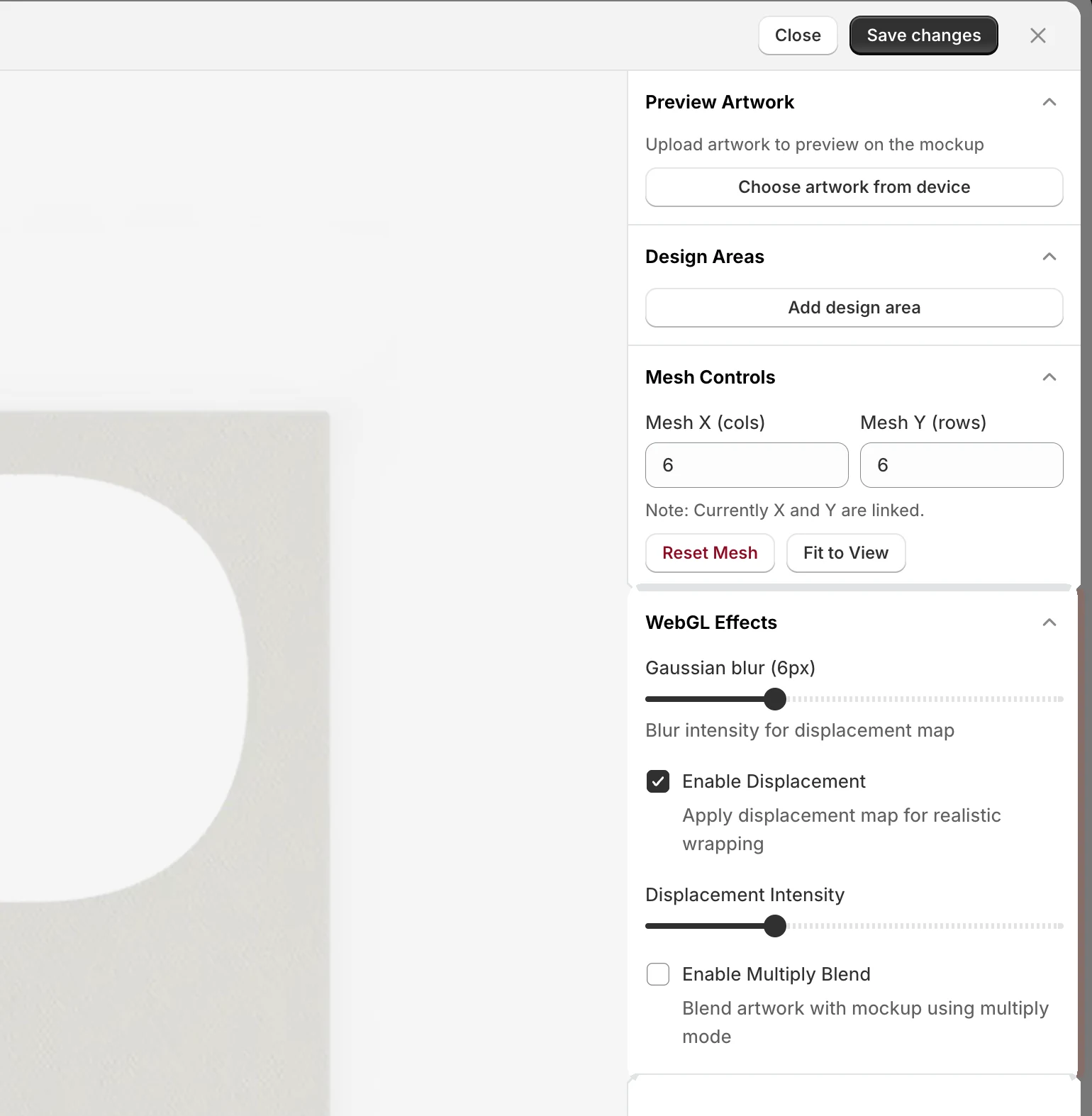
A displacement map pushes the artwork into the fabric's creases, a little blur softens it, and multiply lets the photo's shadows sit on top.
- Displacement with an intensity slider
- Gaussian blur
- Multiply blend with shade strength
Per-frame finishing in the editor
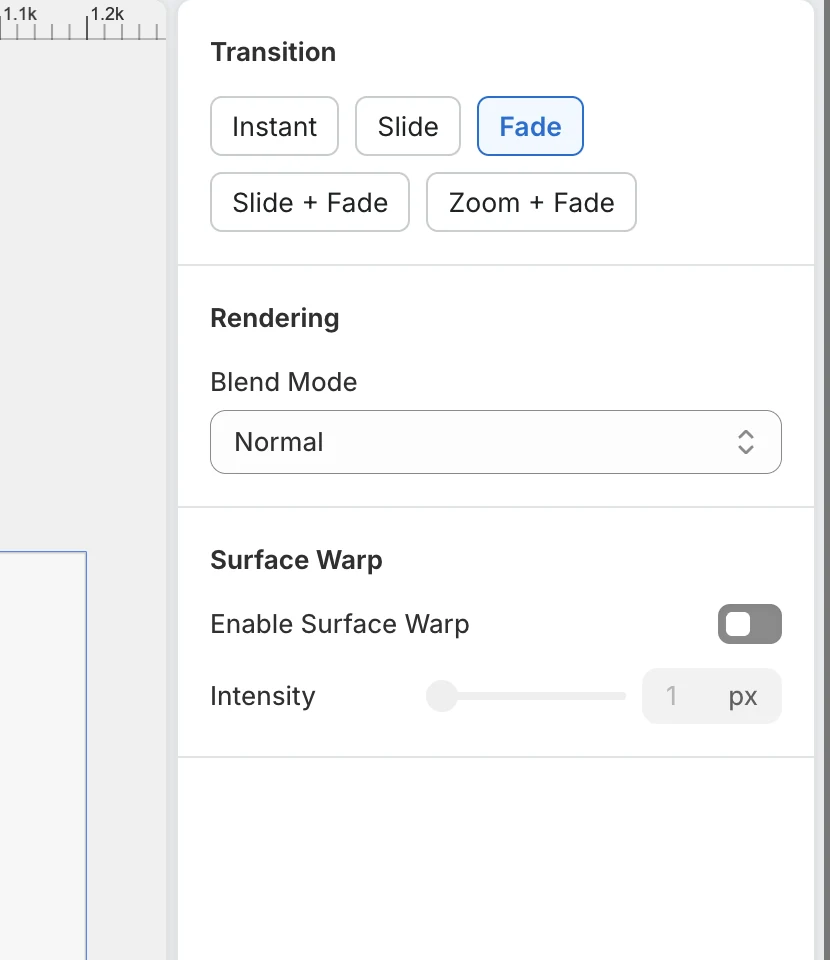
Each preview frame has its own blend mode, a surface warp for small bumps, and the transition used when the shopper moves between frames.
- 3 blend modes on Studio, all 12 on Atelier
- Surface warp from 1 to 50 px
- Instant, slide, fade or zoom
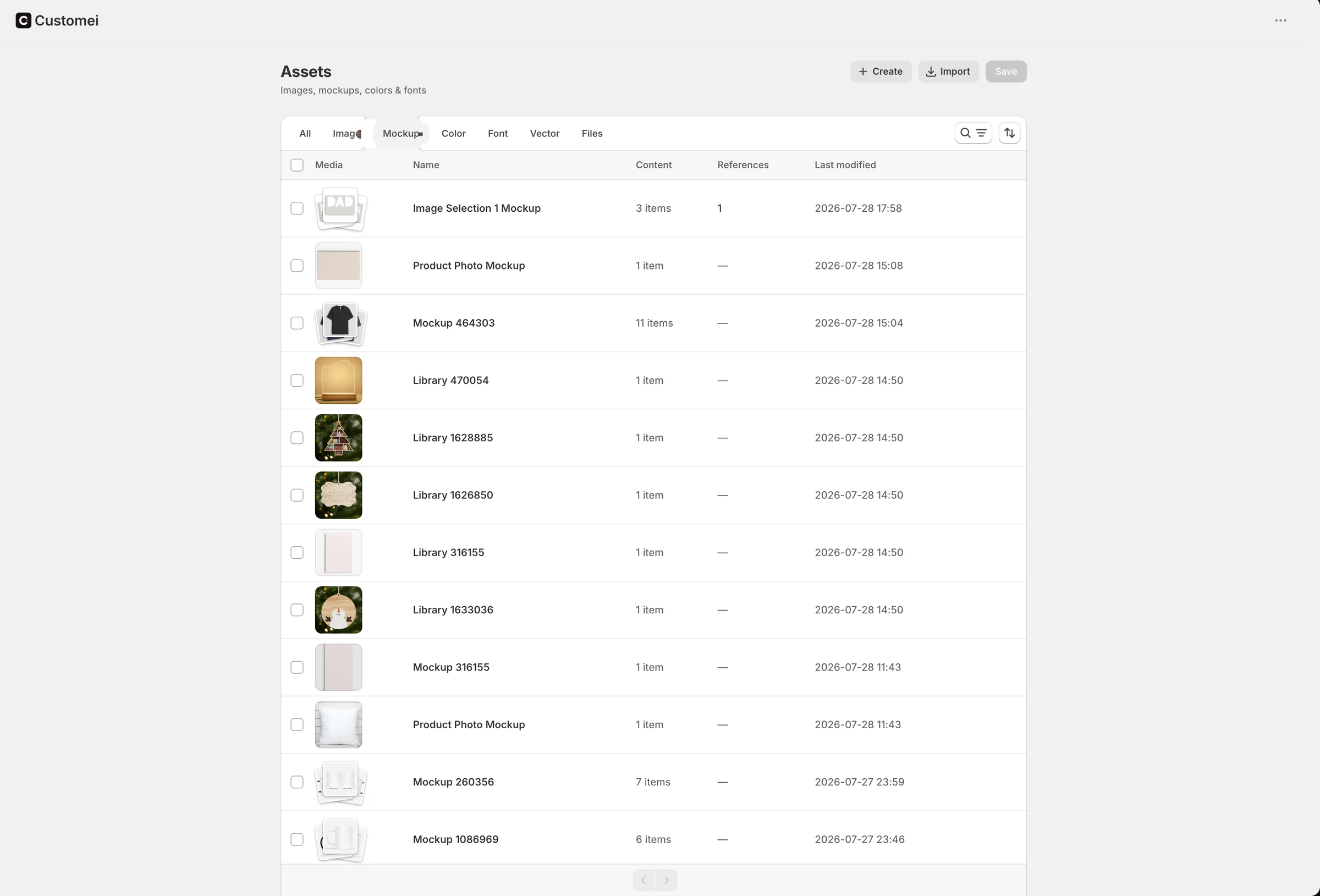
Your photos, in a library
Mockups live in Assets next to your images and fonts. Add a photo, import a PSD mockup, or bring a ZIP of them, then clip each with the pen tool.
- Add mockup, Import PSD or Import ZIP
- Clip masks drawn with the pen tool
- Reused by every template that needs them
At a glance
- Mesh
- 2–10 divisions per side
- Effects
- Displacement, blur, multiply
- Blend modes
- 3 on Studio, 12 on Atelier
- Print file
- Always the flat design
Questions
Does the warp change the print file?
No. Mesh, displacement, masks and blend modes only shape the preview. The printer receives the flat Design Template.
Which plans include mockups?
Studio and Atelier. Atelier adds the full set of twelve blend modes.
Ready to add customization to your Shopify store?
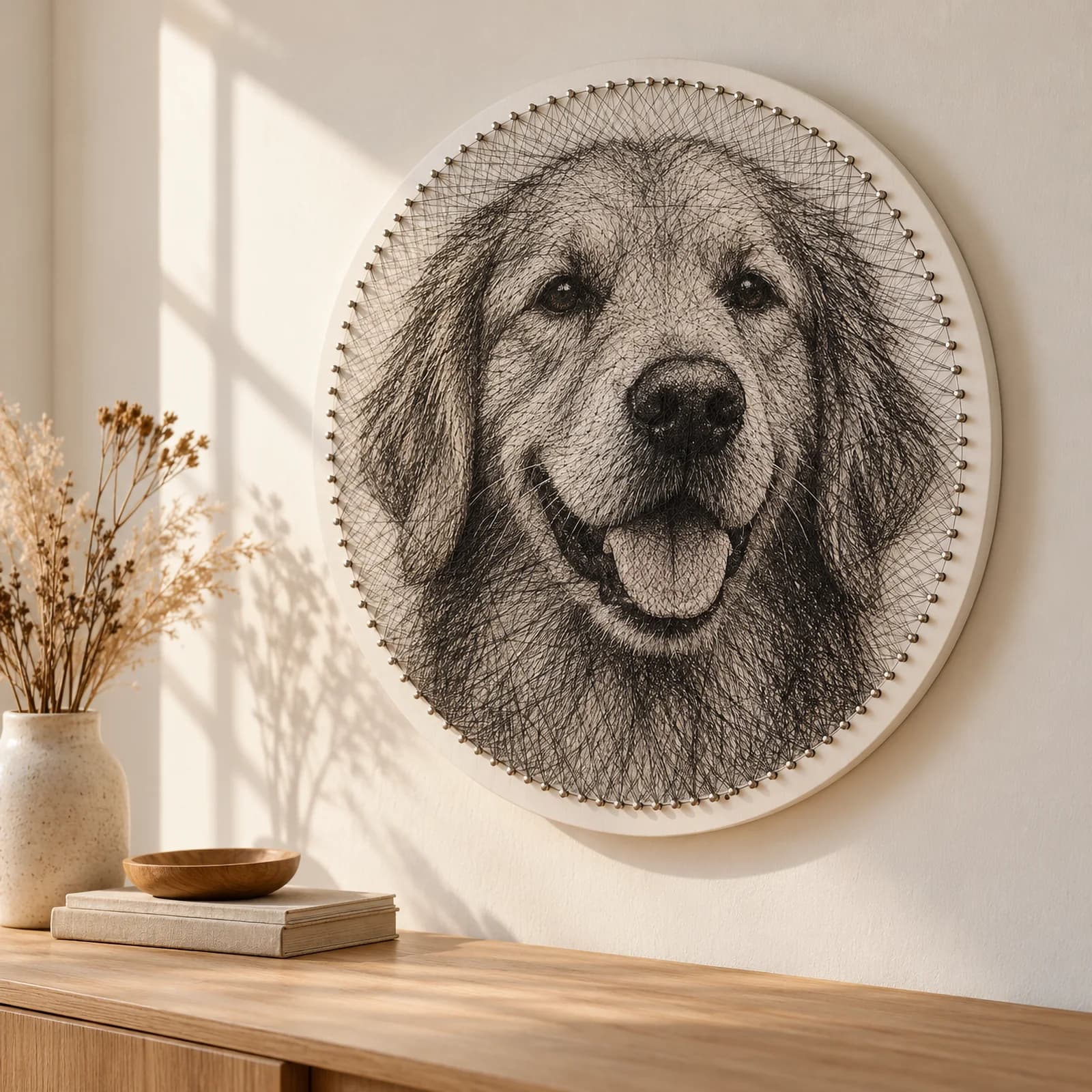
Made for one, treasured for life. Every order ships with something nobody else can buy.