Design
One canvas for every design
Lay out text, photos and generated artwork on the print canvas, choose what a customer may change, and watch it on your mockups beside it.
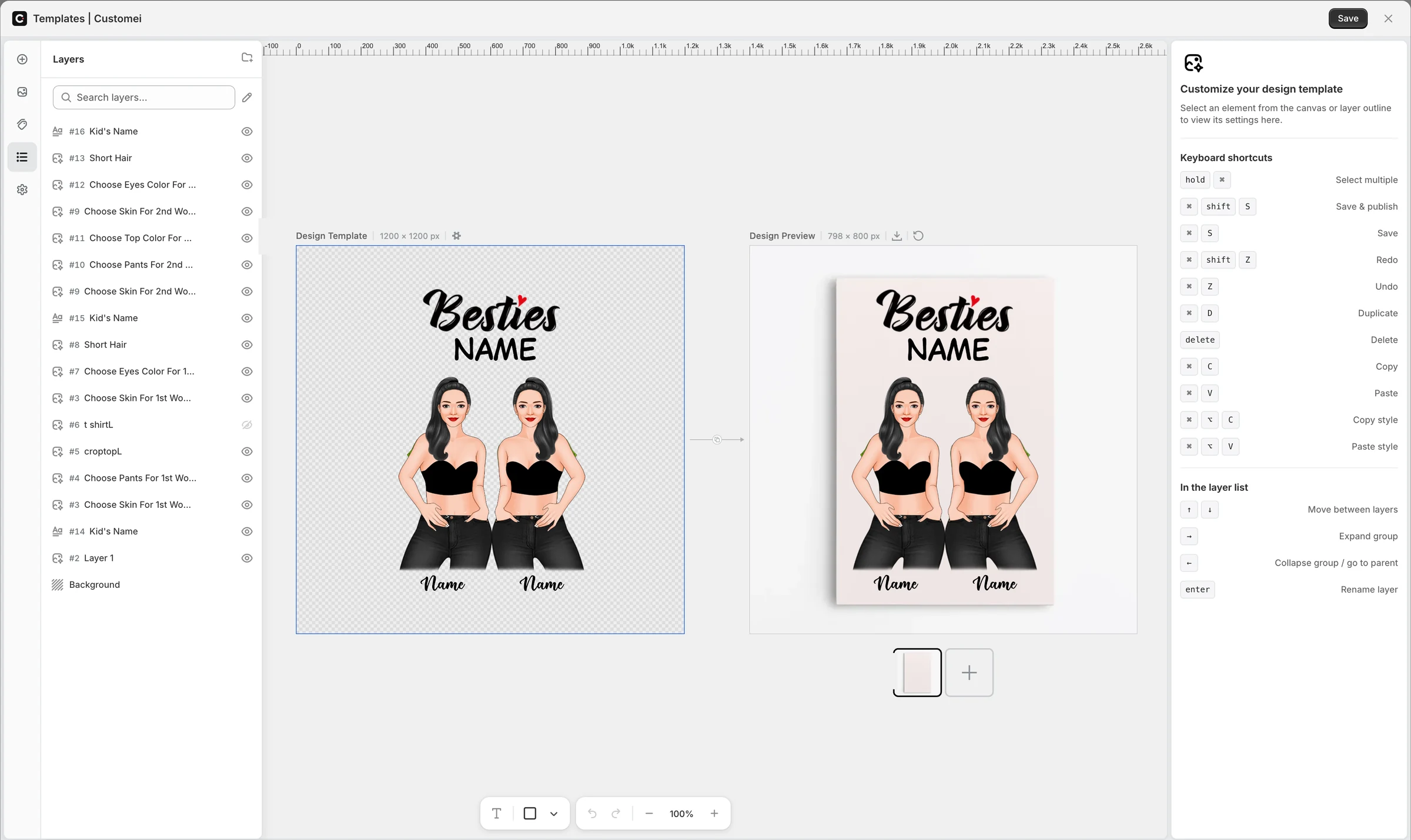
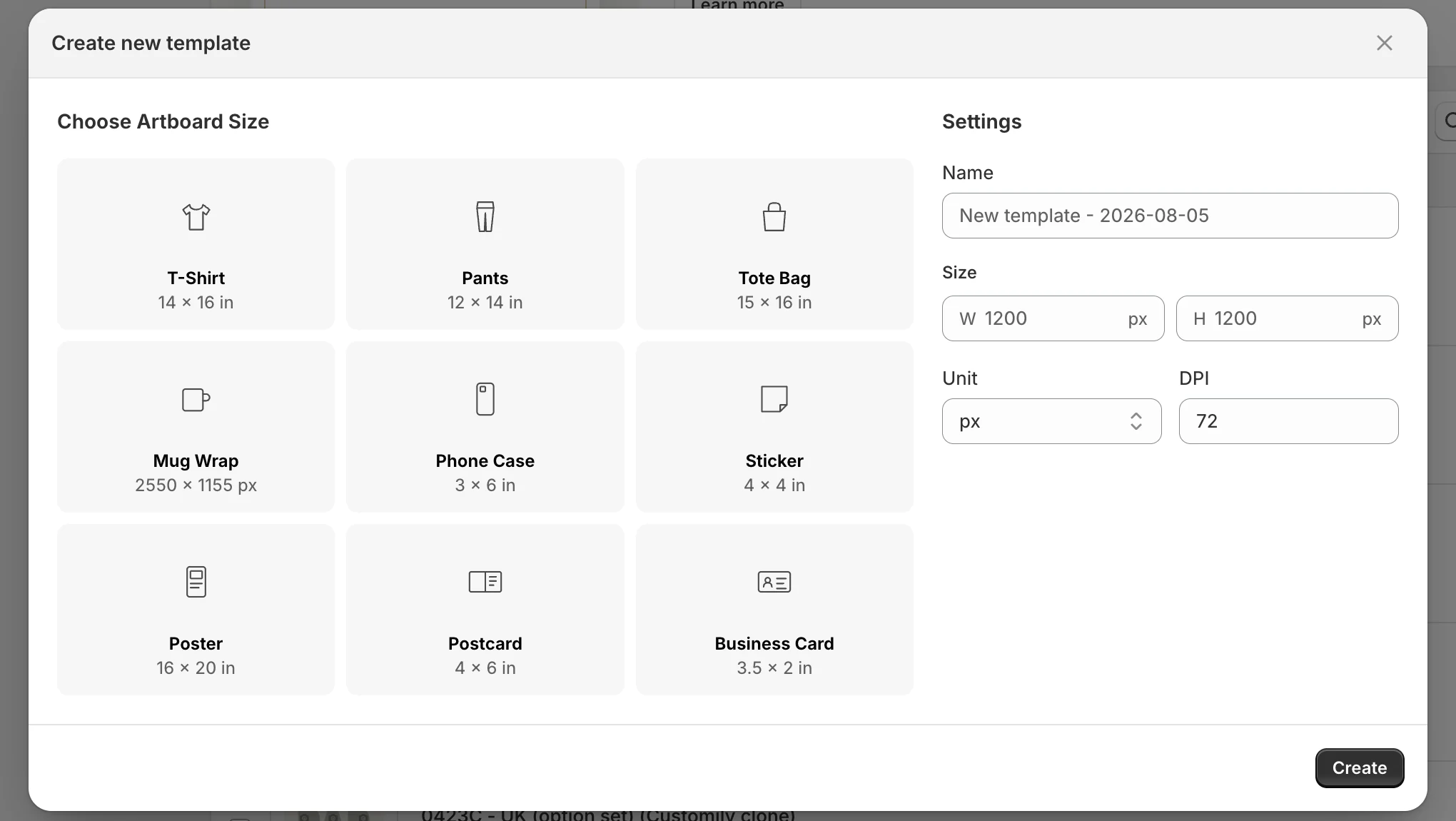
The print, and the preview, side by side
Design Template is the file that gets printed. Design Preview frames put it on your product photos and are never printed. Edit one and the other follows.
- Presets from T-shirt to business card, or any size in px, cm, mm or in
- 72 to 600 DPI, up to 8,192 px a side
- As many preview frames as the product needs
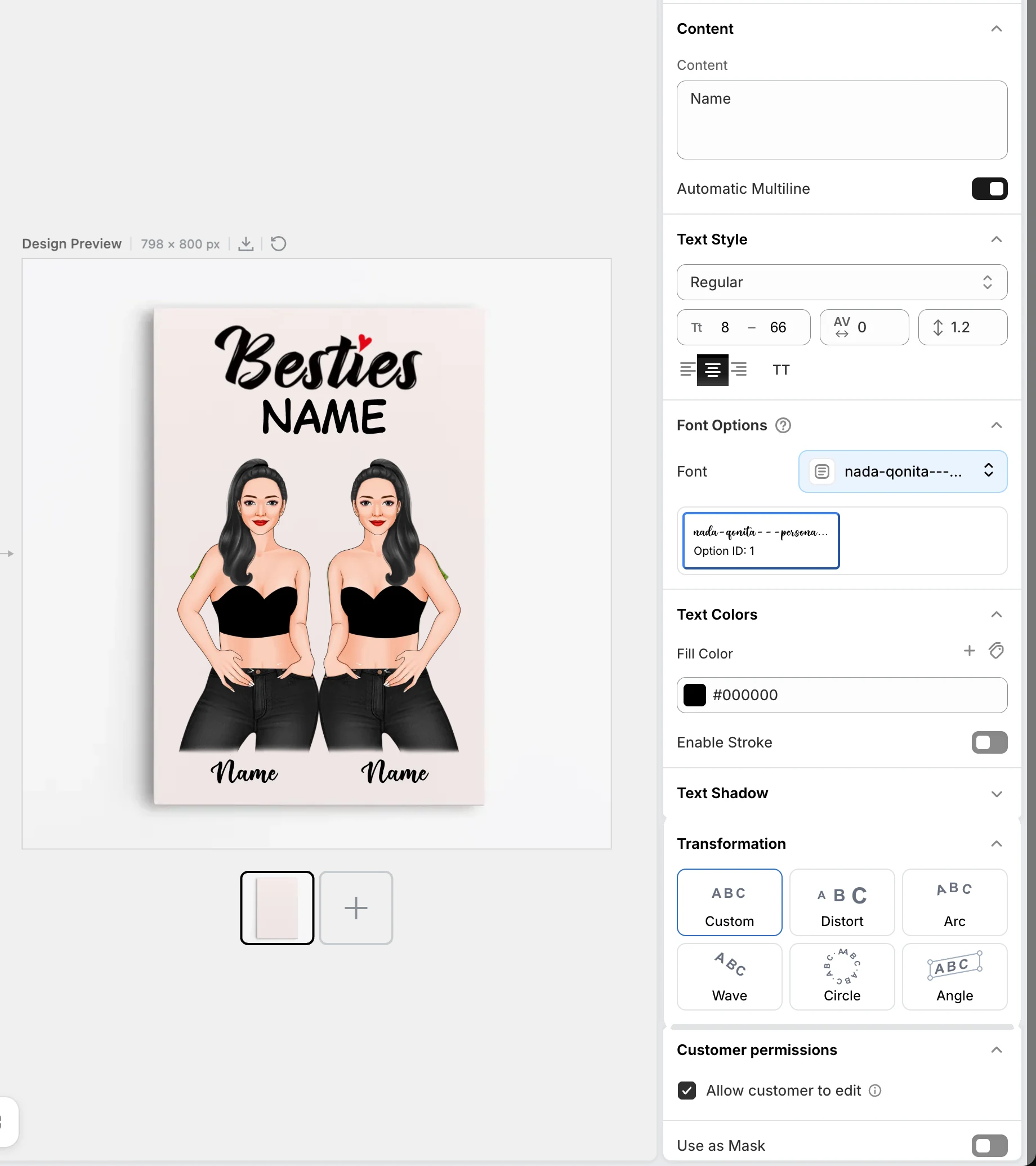
Type that holds up on a product
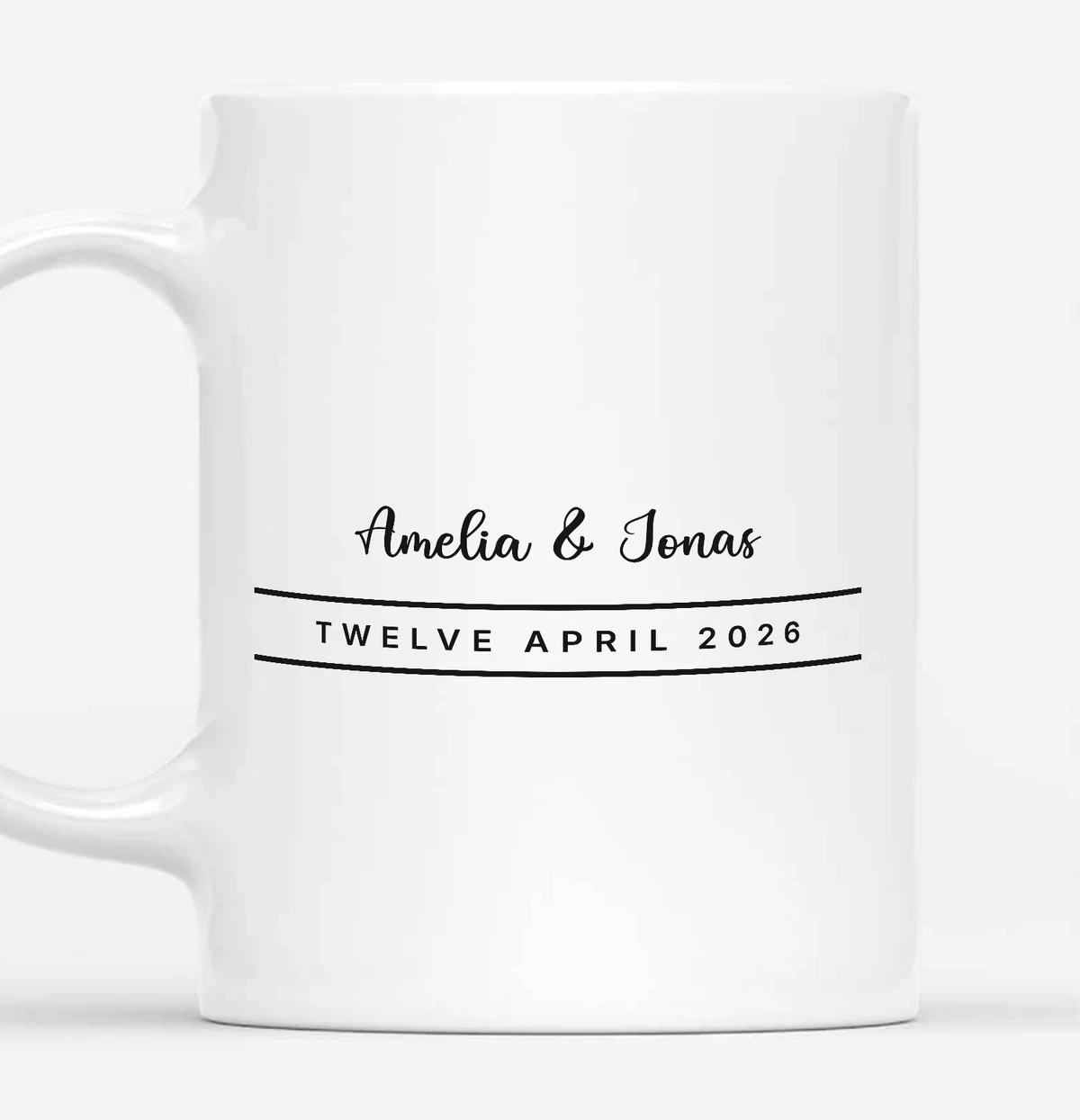
Every text layer gets the controls a print needs: a font, a size range that fits long names, colour and stroke, a shadow, and a shape.
- 1,900+ Google Fonts, or upload your own
- Arc, wave, circle, angle and distort
- Drop, line, block and 3D shadows
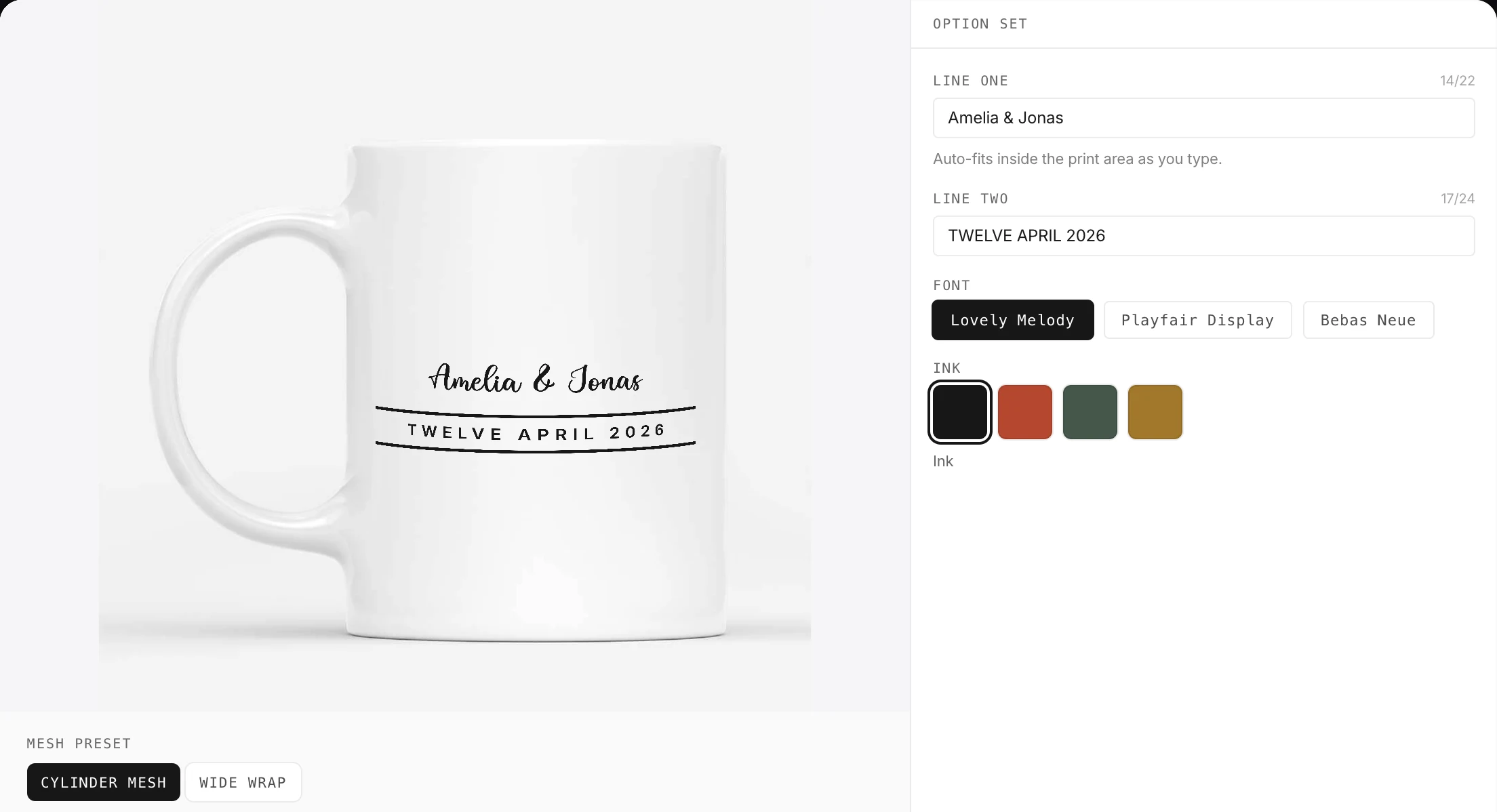
You decide what a customer can touch
Each layer says whether a shopper may edit its text or upload a photo into it. Everything else stays exactly where you put it.
- Per layer: edit the text, or upload a photo
- Everything else stays locked in place
- Numbered layers, groups, bulk-renamed IDs
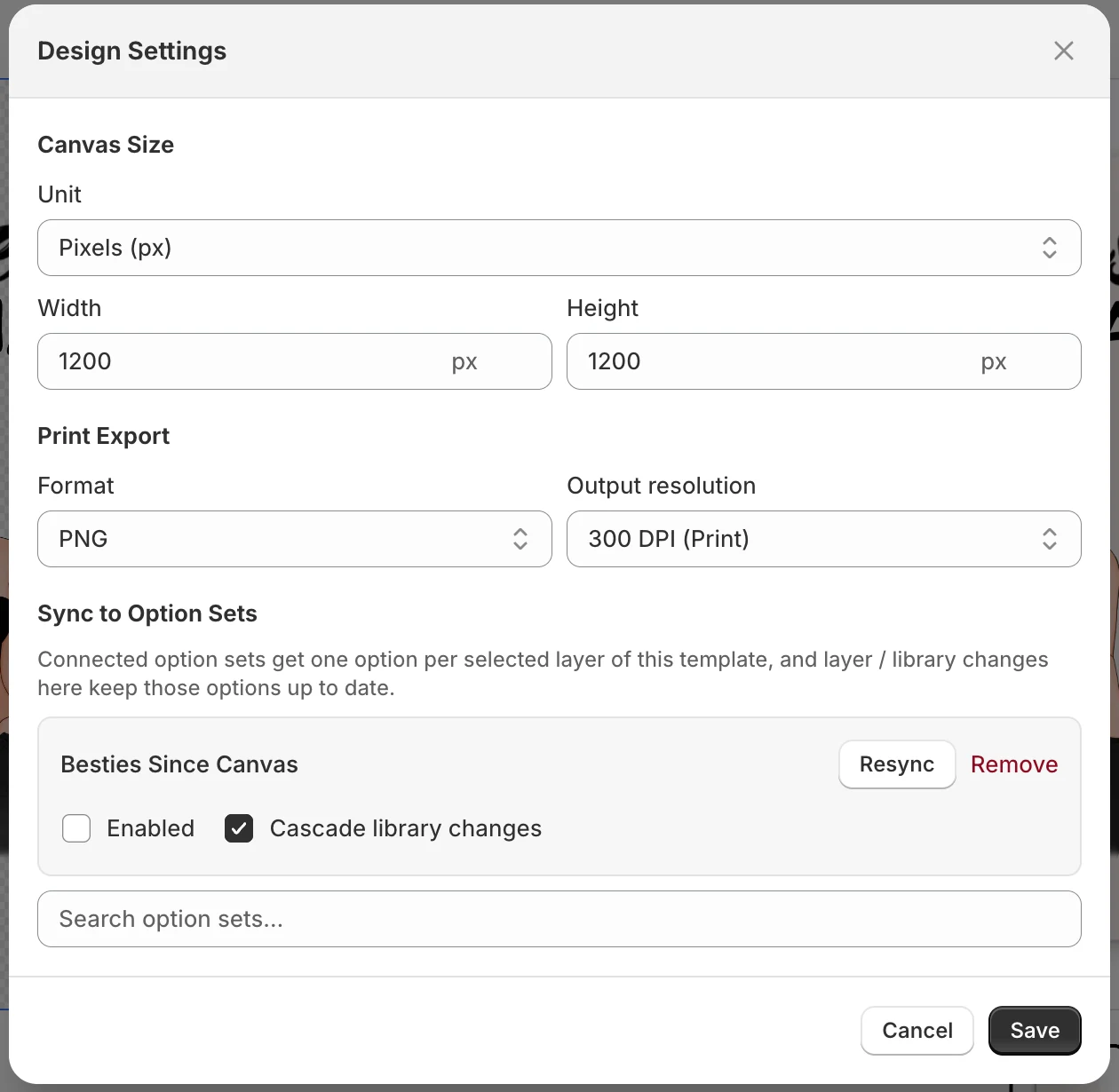
Files your printer can open
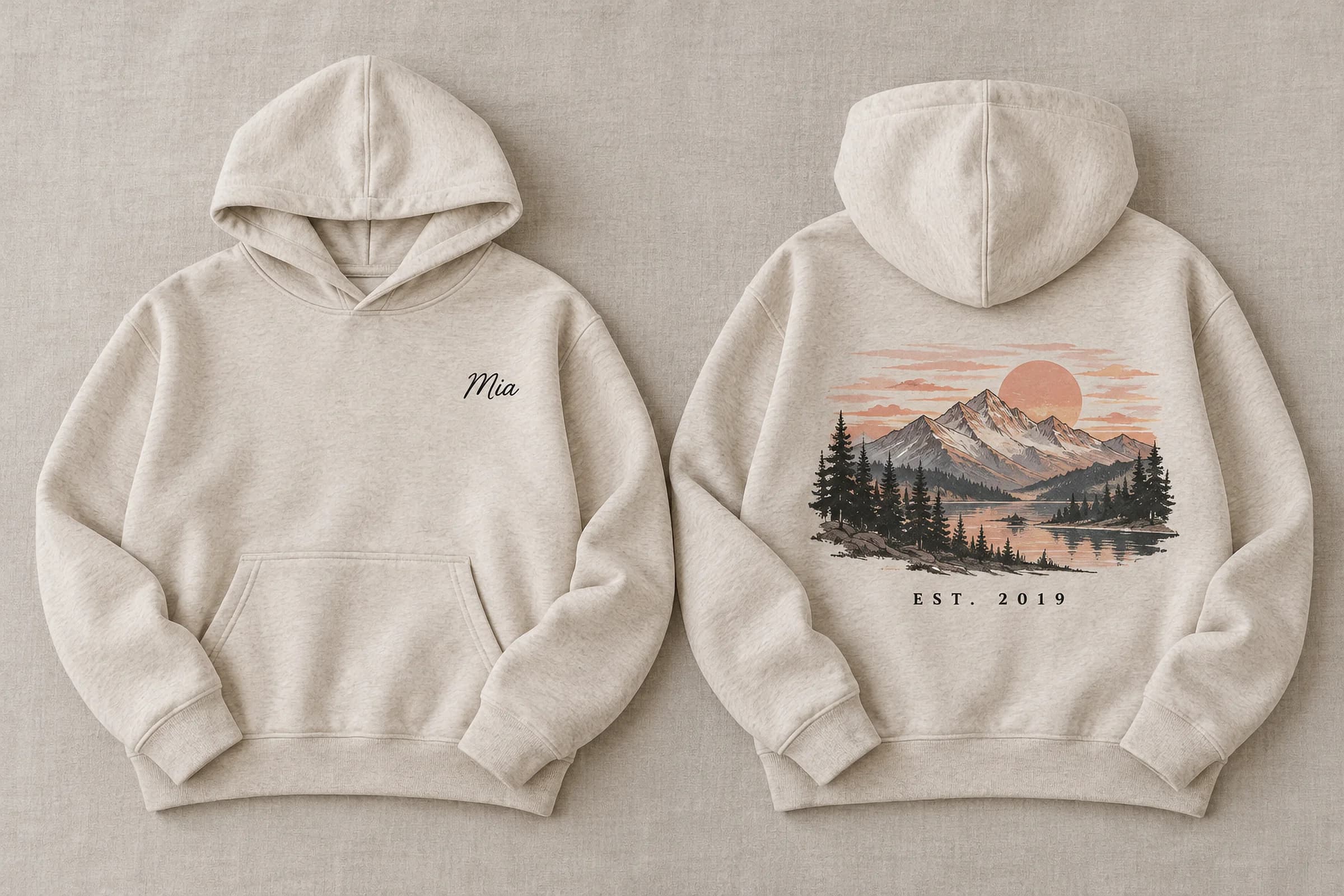
Each template sets its own export: format, resolution and colour space. One item can carry up to twelve print files, front, back and sleeve.
- PNG, JPG, TIFF, PDF, EPS, AI and DXF
- RGB or CMYK, 72 to 600 DPI
- Up to 12 print files per item
At a glance
- Fonts
- 1,900+ Google Fonts, plus your own
- Layers
- Text, images and 9 generated layers
- Export
- PNG, JPG, TIFF, PDF, EPS, AI, DXF
- Resolution
- 72–600 DPI, RGB or CMYK
Questions
Which export formats come with each plan?
Maker exports PNG, JPG and PDF up to 300 DPI in RGB. Studio and Atelier add TIFF, EPS, AI and DXF, CMYK, and up to 600 DPI.
Can I use my own fonts?
Yes, on Studio and Atelier: upload .woff, .woff2, .ttf or .otf files to a font library. The 1,900+ Google Fonts are on every plan.
Can a customer move or resize things?
Only what you allow. Permissions are per layer: edit the text, or upload an image into it. Position and size stay yours.
Ready to add customization to your Shopify store?
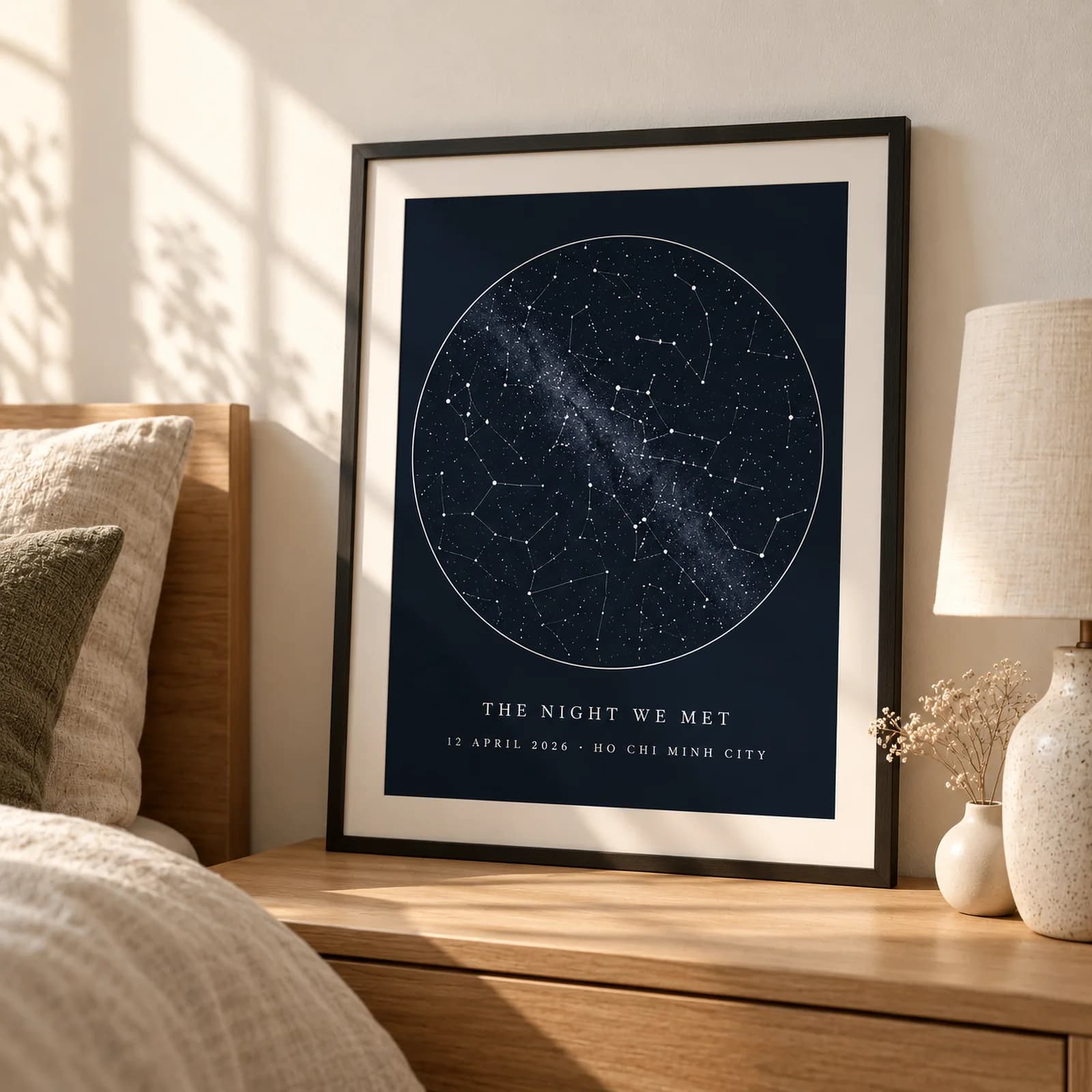
Made for one, treasured for life. Every order ships with something nobody else can buy.