Integration · MCP
Let an AI agent do the setup
Connect Claude, ChatGPT or Cursor to your Customei account over MCP. An agent can find, edit and publish templates and option sets, with exactly the access you grant.
Coming soonTry the live demo
- Studio and Atelier
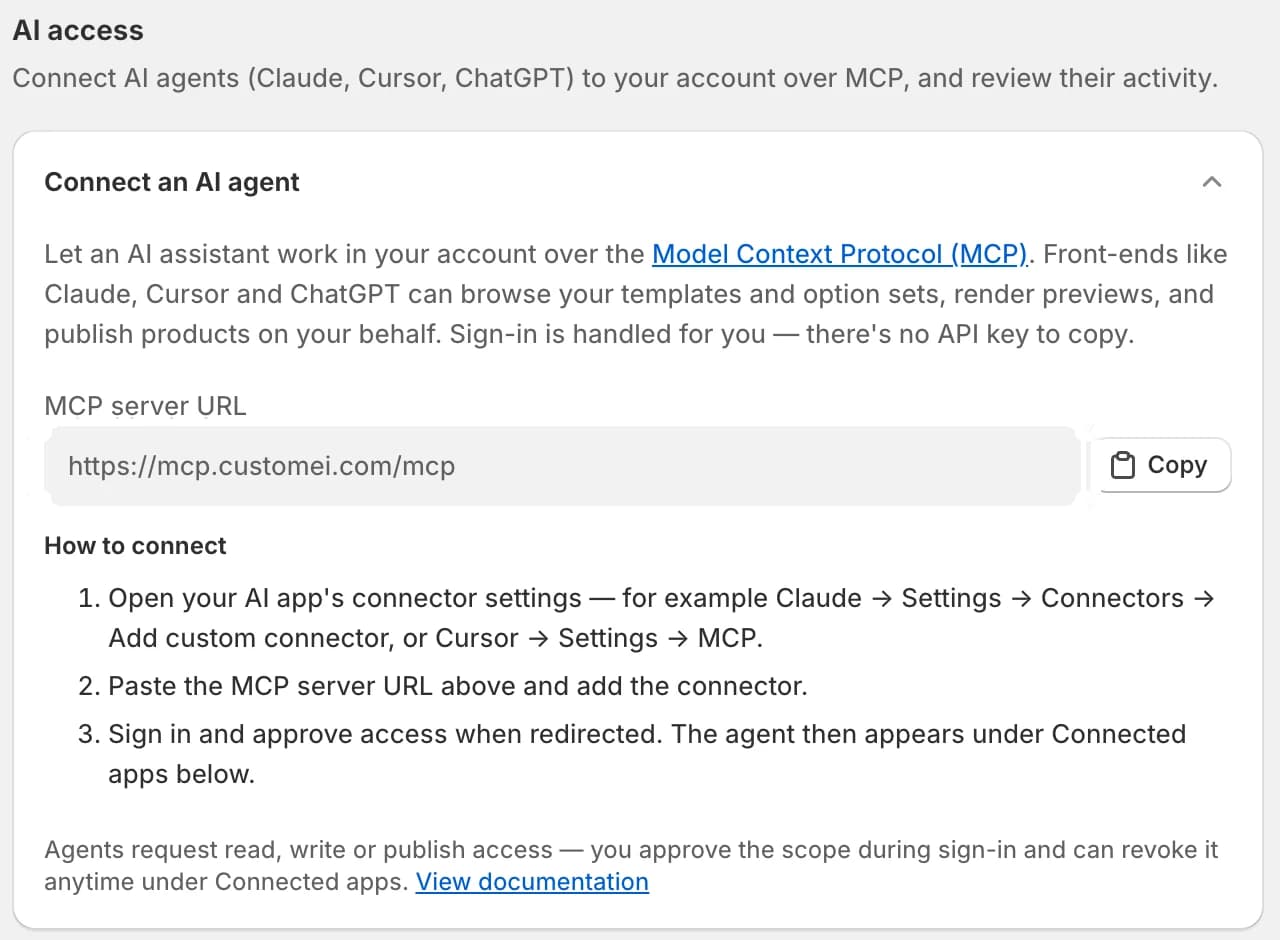
01
Paste one URL into your AI app
Add the Customei MCP server as a connector in Claude, ChatGPT or Cursor and sign in. There is no key to copy: you approve the access on a Customei screen.
- OAuth sign-in, no API key
- Read, Write or Publish access
- Connected apps listed, and revocable
02
Shopify Sidekick knows Customei too
Inside the Shopify admin, Sidekick can answer questions about your setup: which option set a product uses, and whether an order's print file is ready.
- Find option sets and templates
- Check an order's print status
- Read-only
At a glance
- Protocol
- MCP, OAuth sign-in
- Access
- Read, Write, Publish
- Studio
- 1,000 calls a cycle
- Atelier
- Unlimited
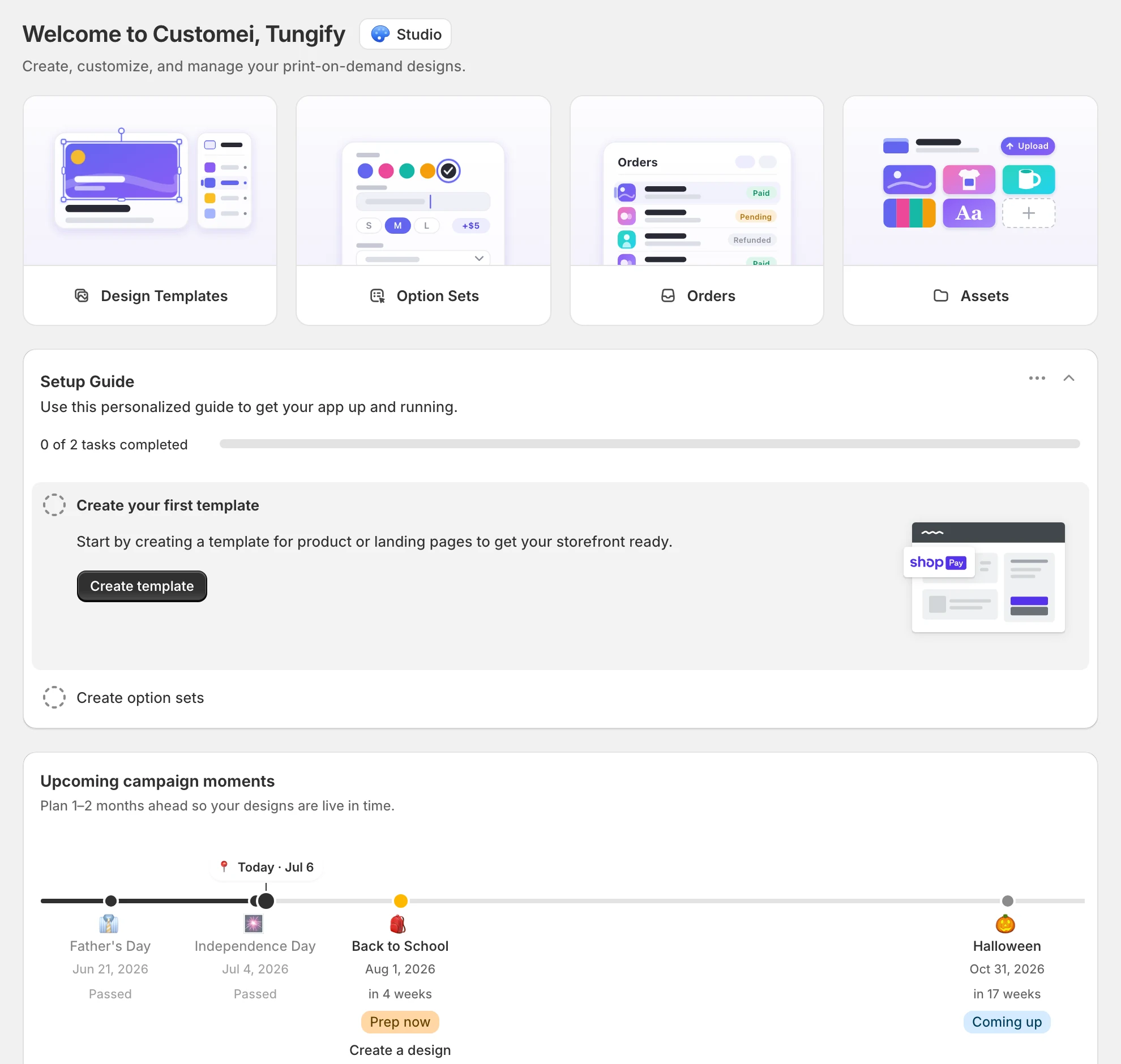
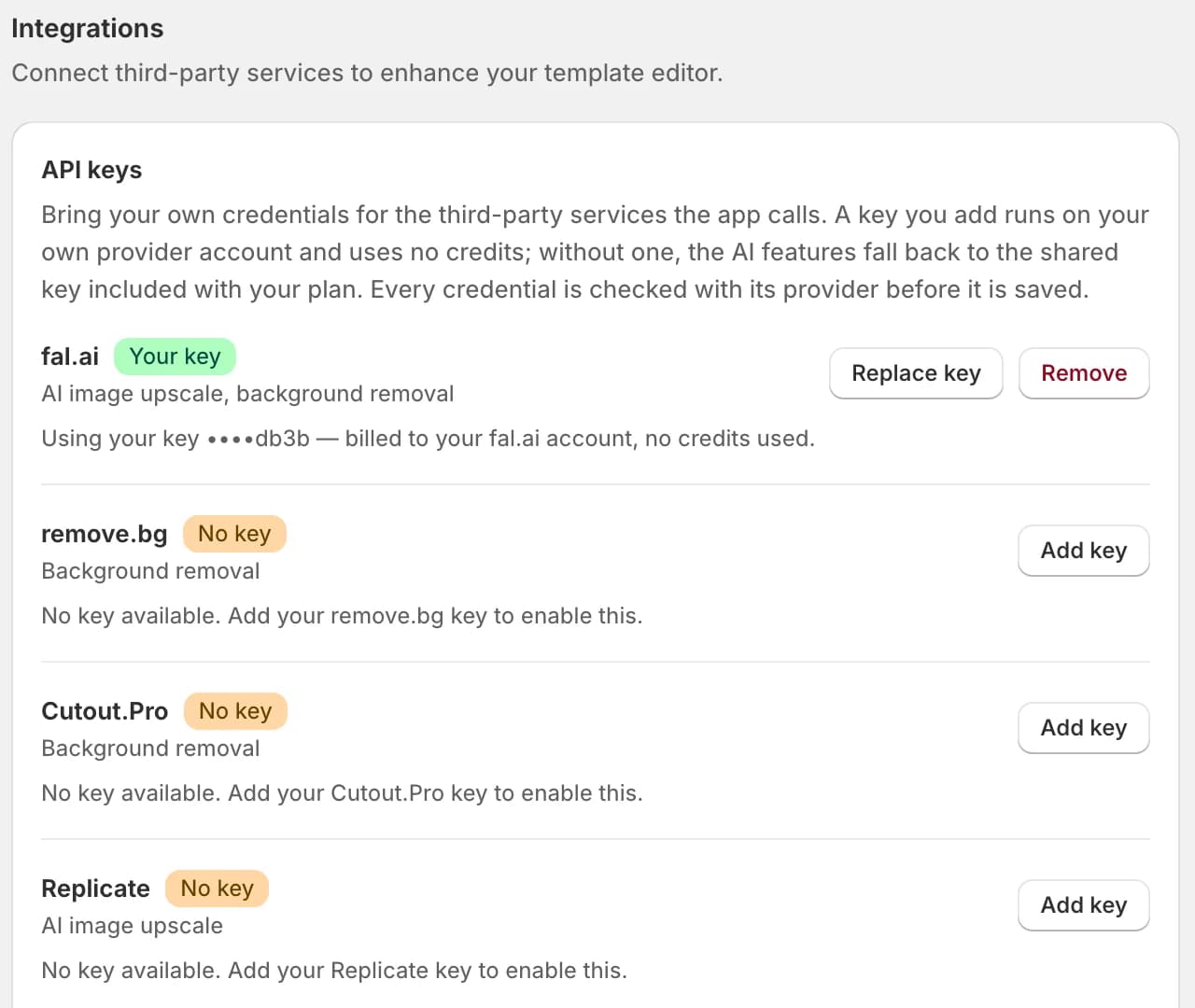

Ready to add customization to your Shopify store?
Made for one, treasured for life. Every order ships with something nobody else can buy.
Coming soon